

Personio – How do I connect via API?
Updated 2 weeks ago
This tutorial outlines the process of integrating Personio with Bindbee. Admin access to the Personio account is a prerequisite for this process.
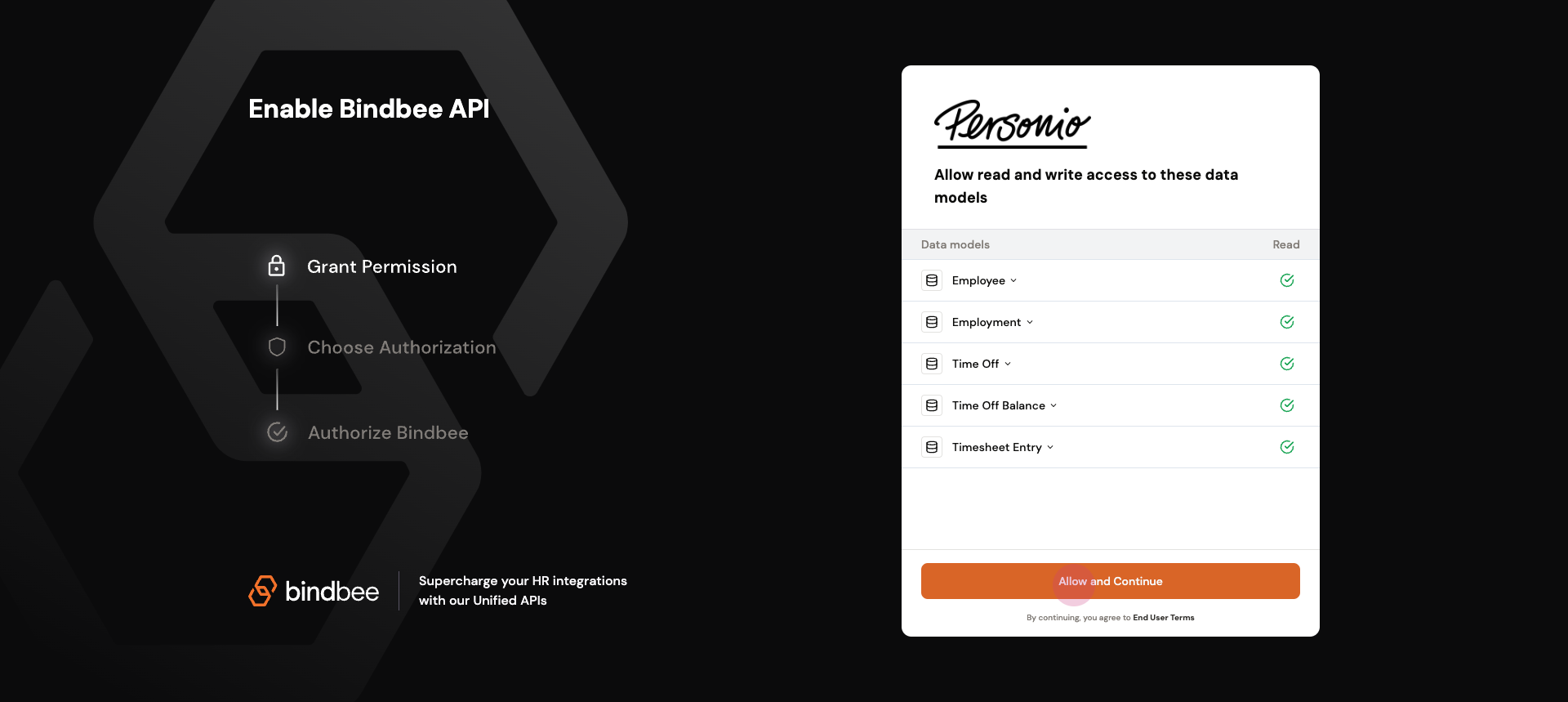
Step 1: Navigate to the magic link and click on Allow.
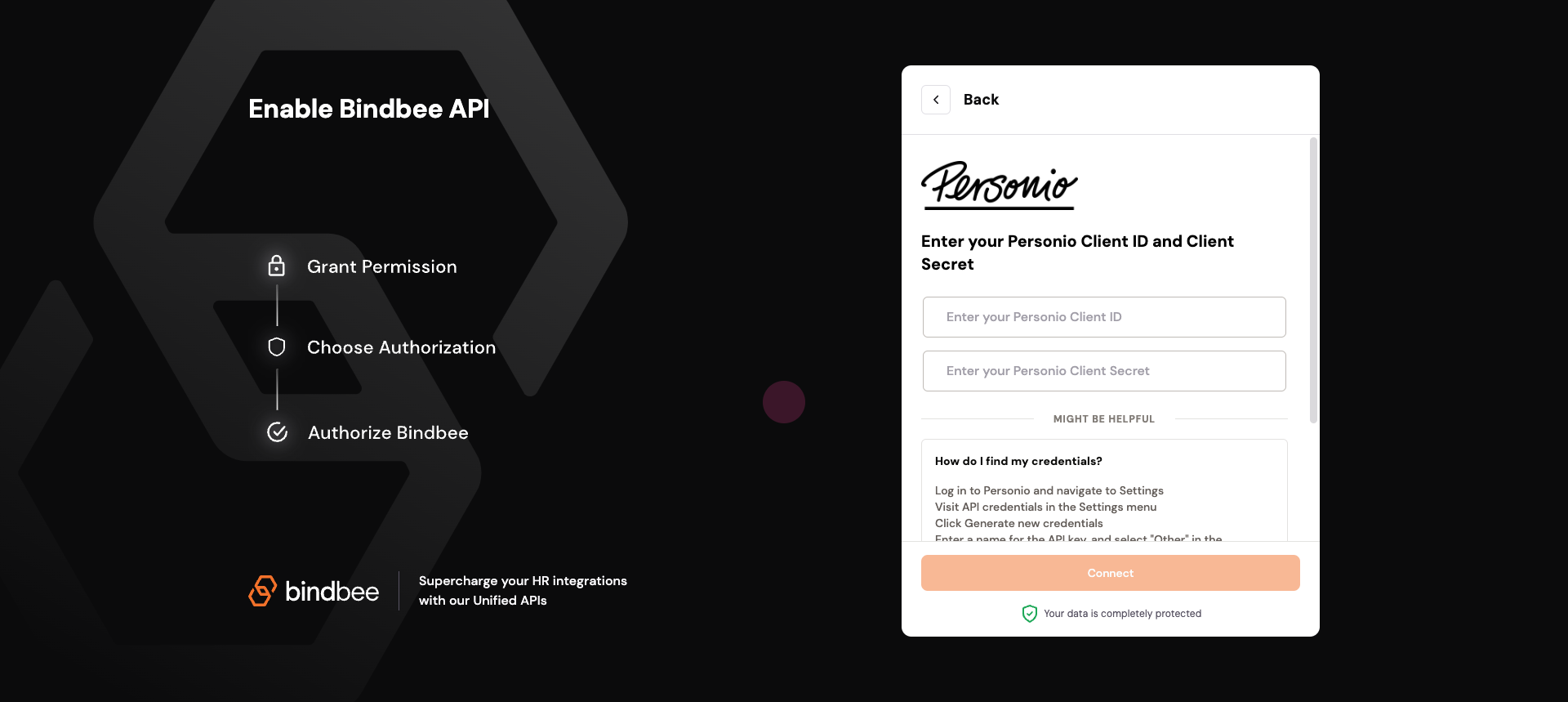
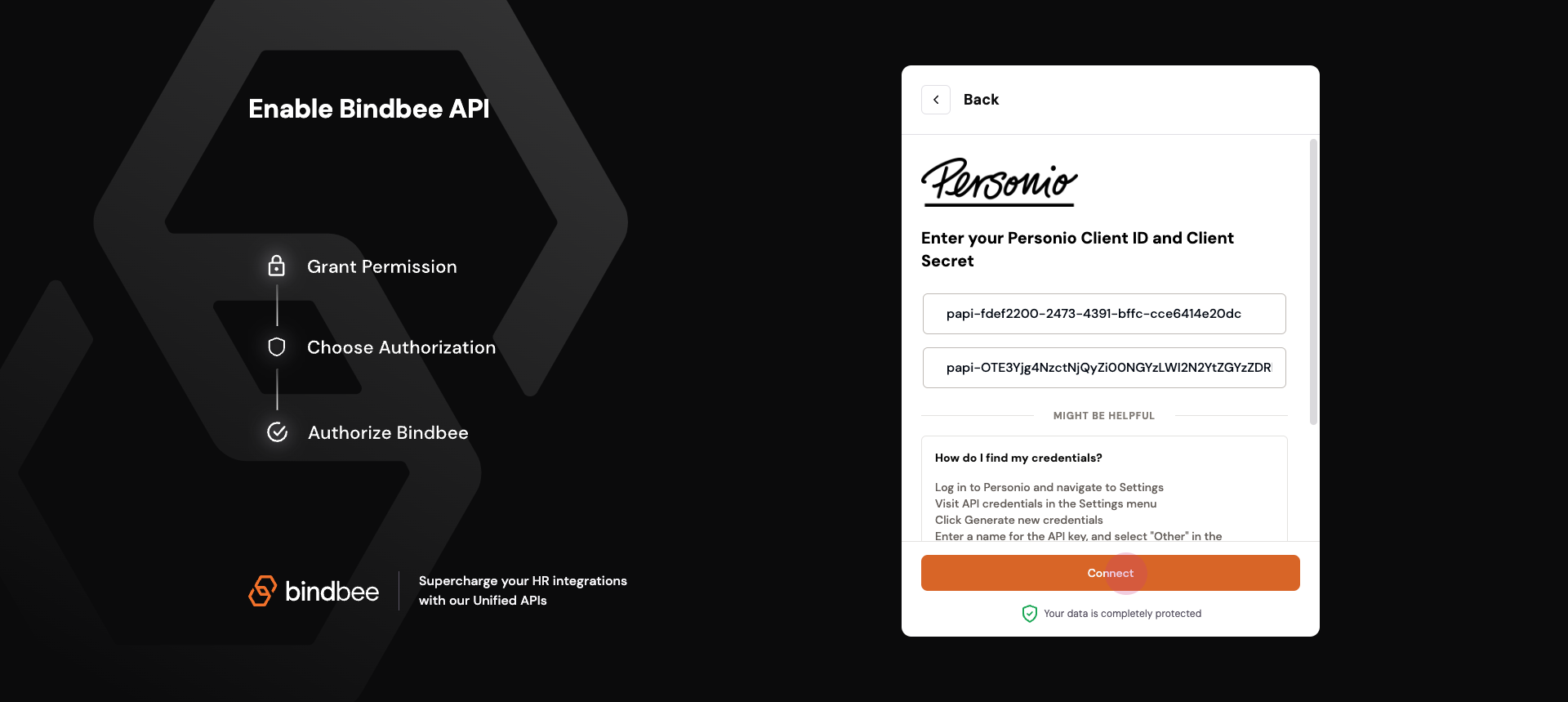
Step 2: Enter the client credentials.
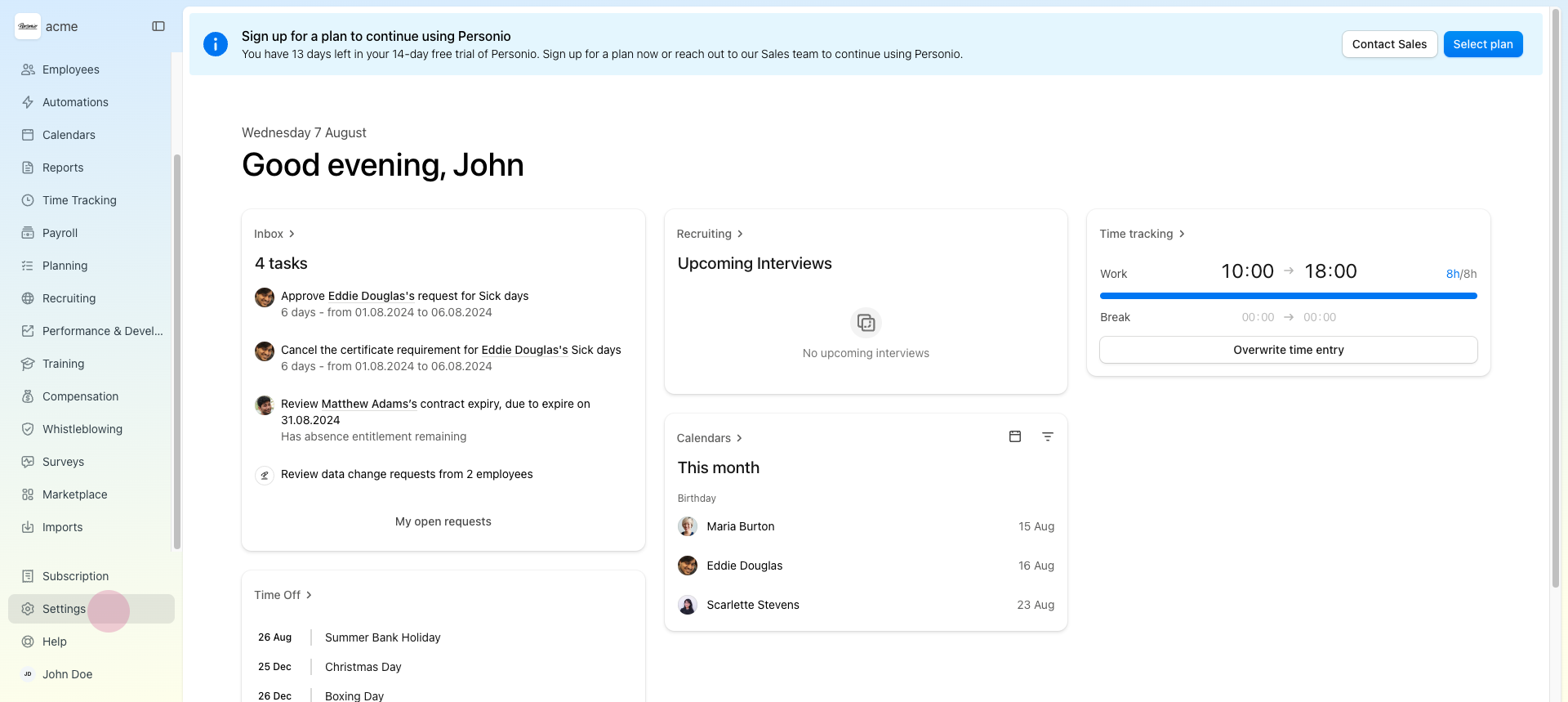
These can be found by navigating to your personio dashboard and clicking on Settings.
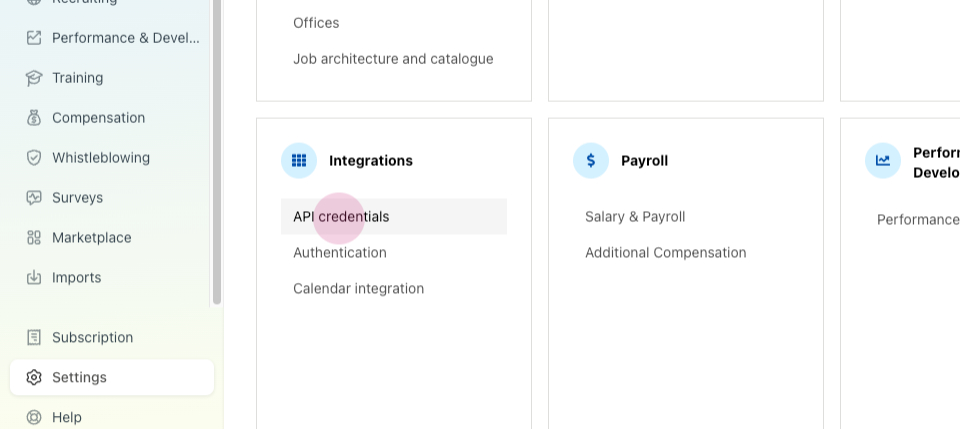
Step 3: Inside the Integration tab, locate the API credentials.
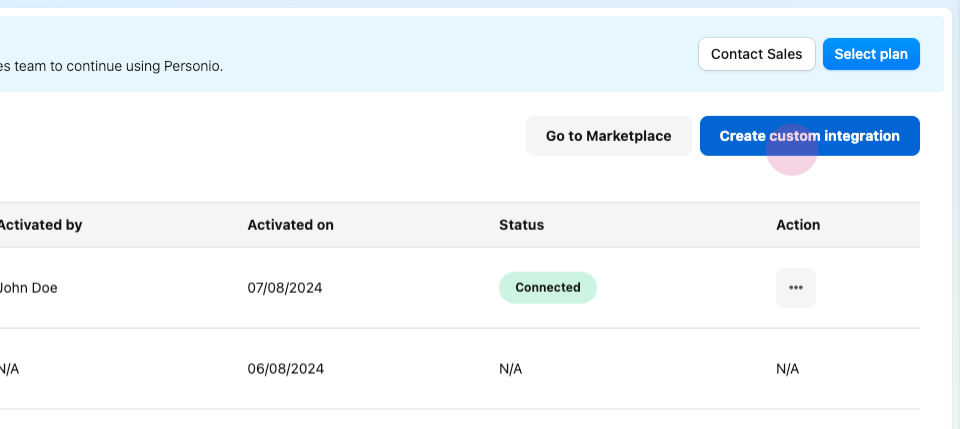
Step 4: Click on Create Custom Integration.
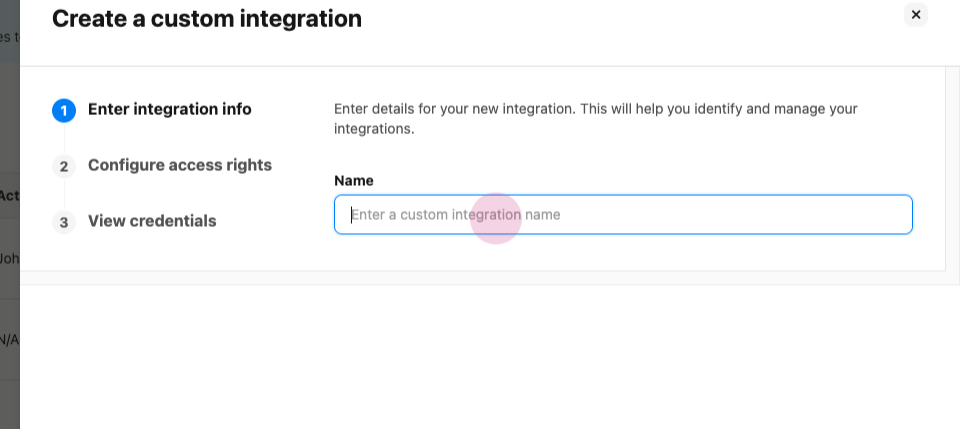
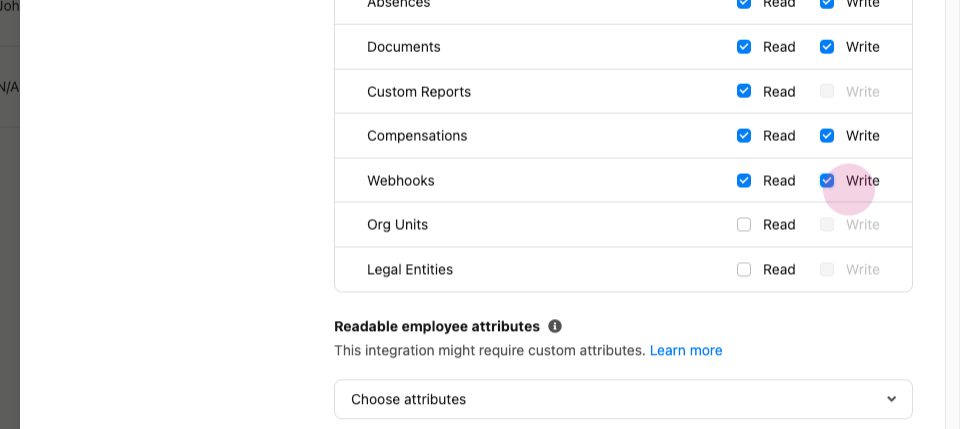
Step 5: Select all the necessary permissions for seamless integration.
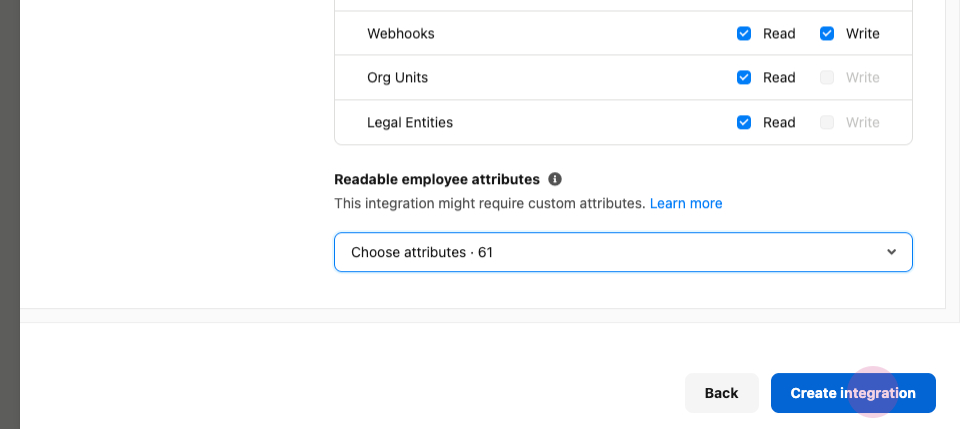
Step 6: Click on Create Integration.
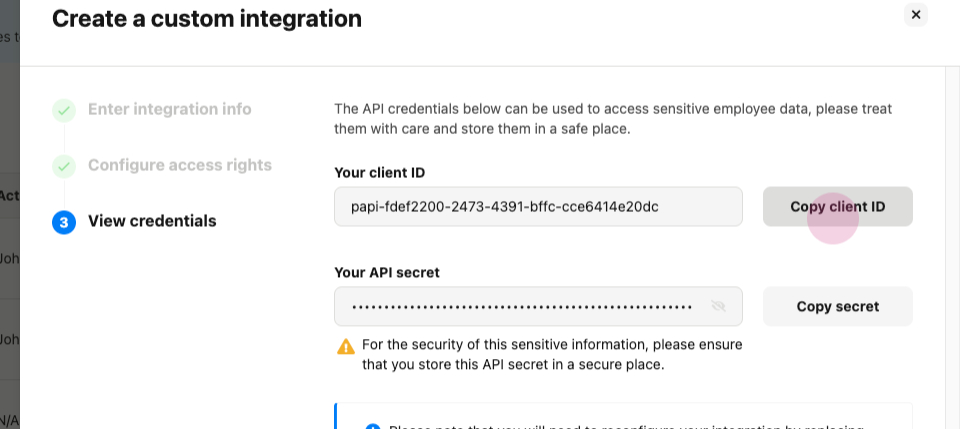
Step 7: Copy and enter the credentials and Click on Connect to establish the connection.
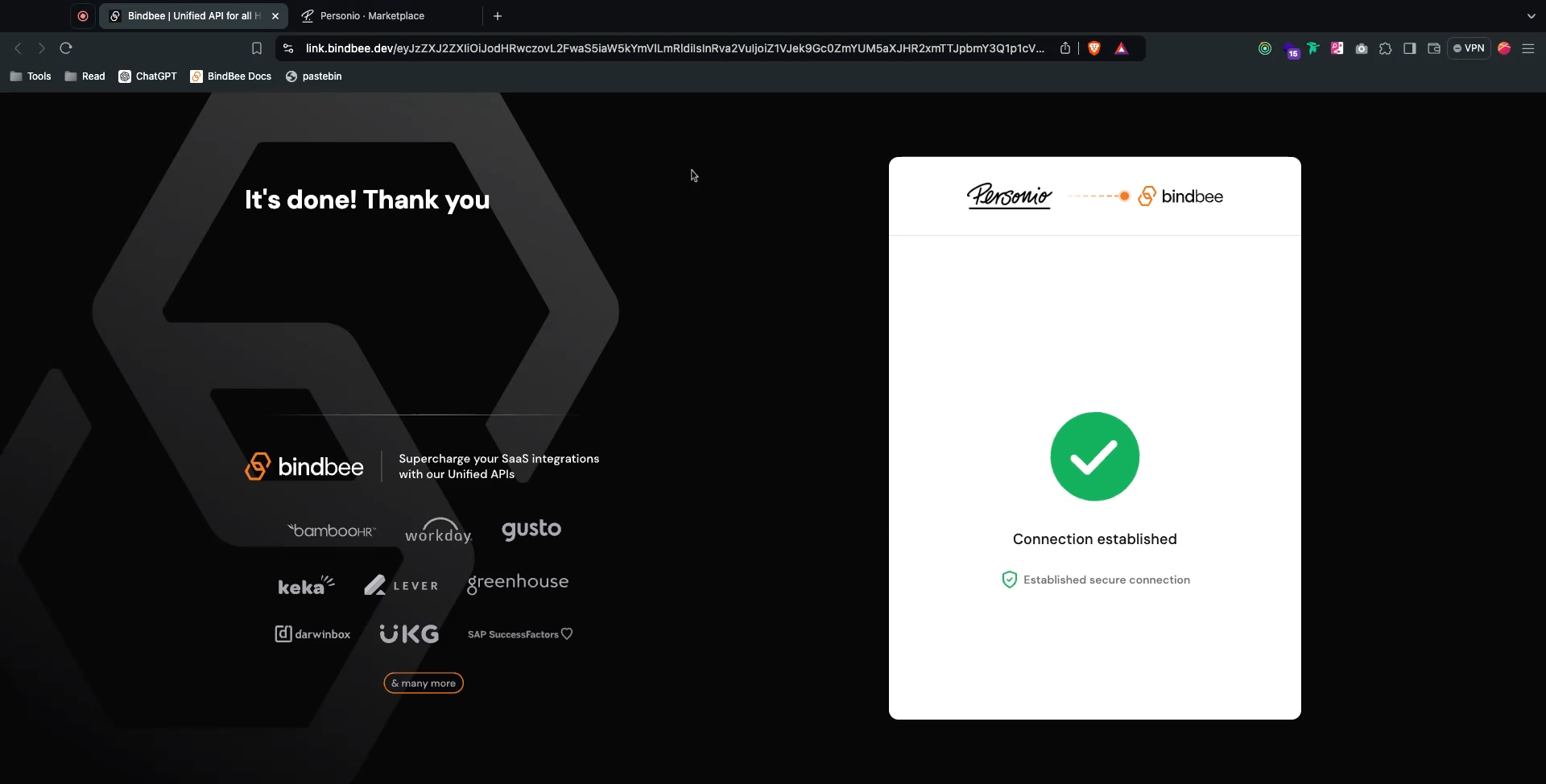
Upon completion, you'll notice the connection is established.
Was this helpful?
Was this helpful?