

Microsoft Entra ID – How do I connect my account?
Updated 2 weeks ago
This tutorial provides a step-by-step guide on integrating a Microsoft Android account with Bindbee. Note that admin access or credentials are necessary for this process.
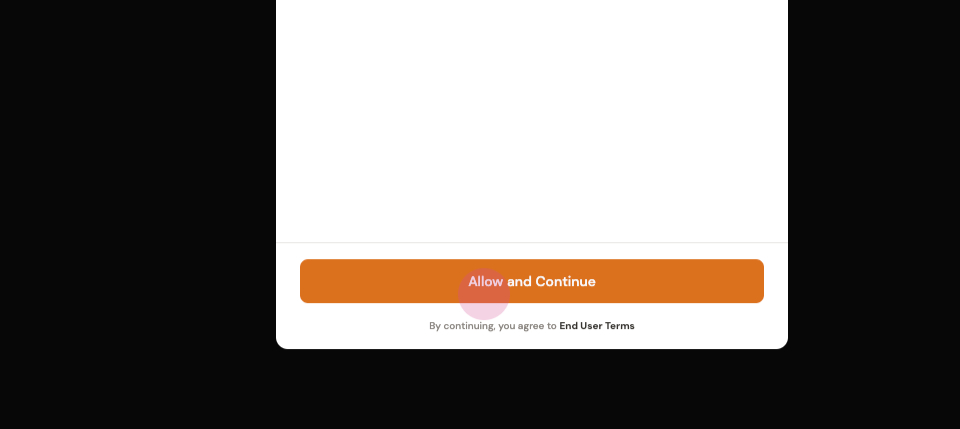
Step 1: Click on Allow.
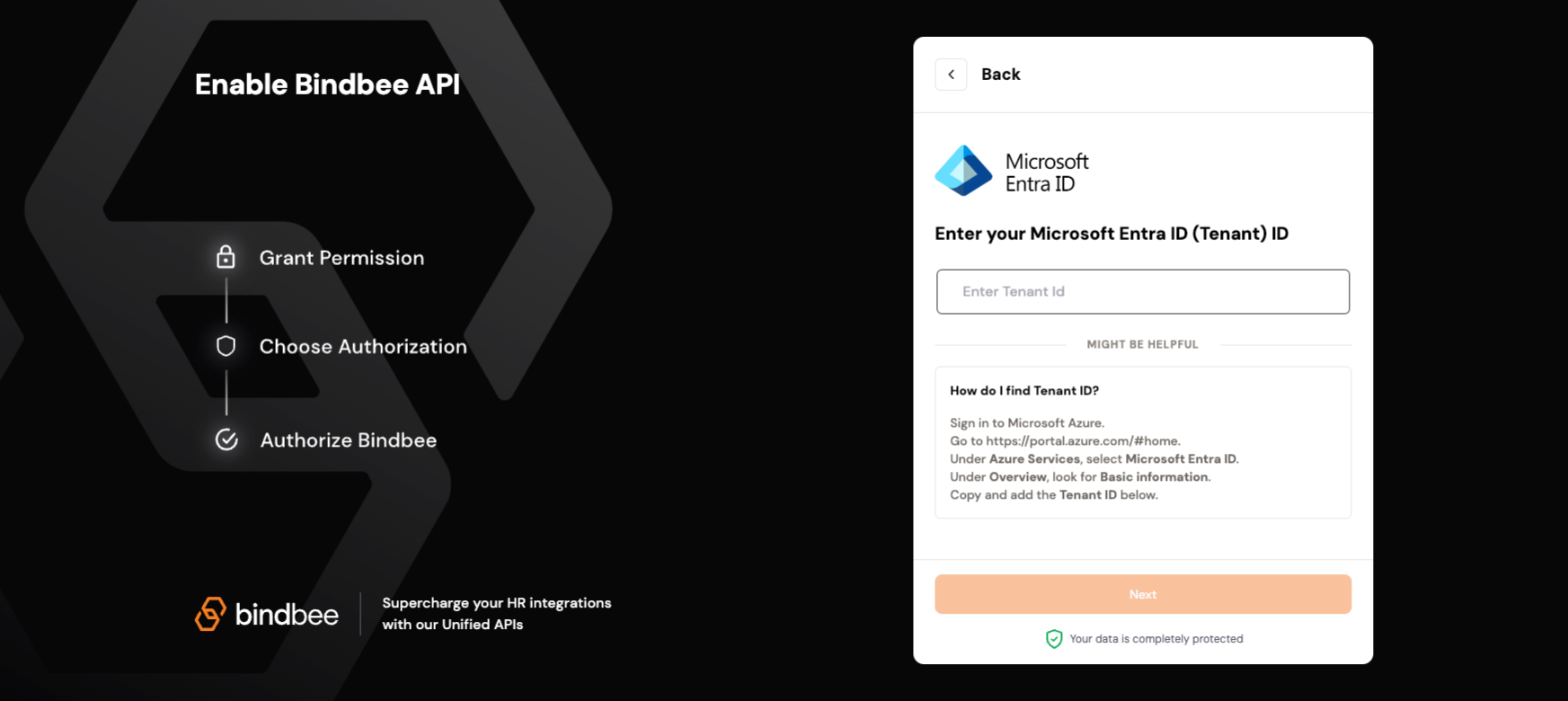
Step 2: Locate and enter the tenant ID. This ID is available on portal.azure.com. Look for the tenant ID.
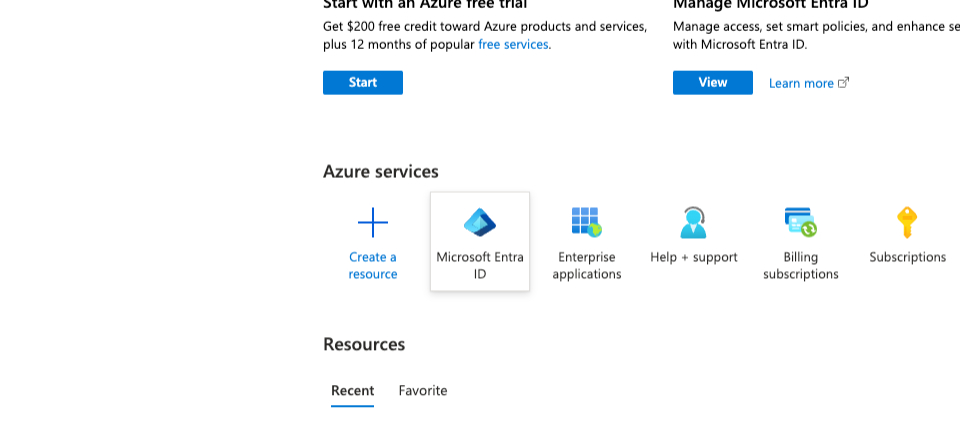
Step 3: Navigate to Microsoft Entra ID and click on Manage tenants. Select the tenant you want.
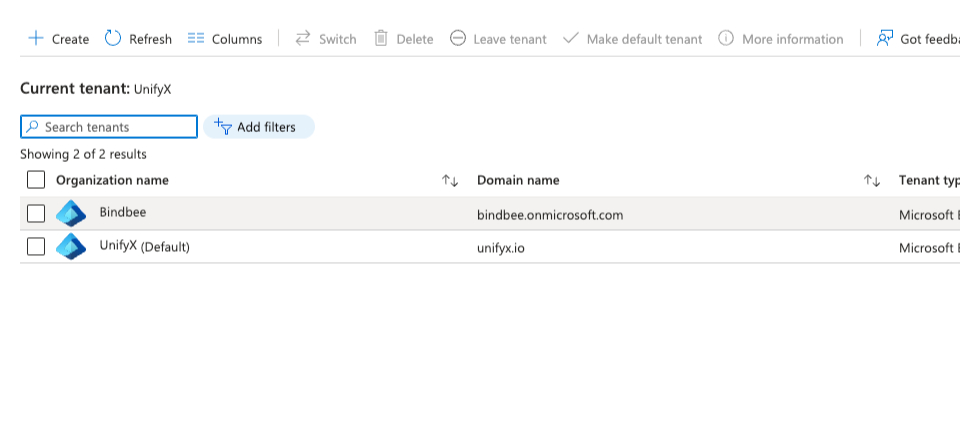
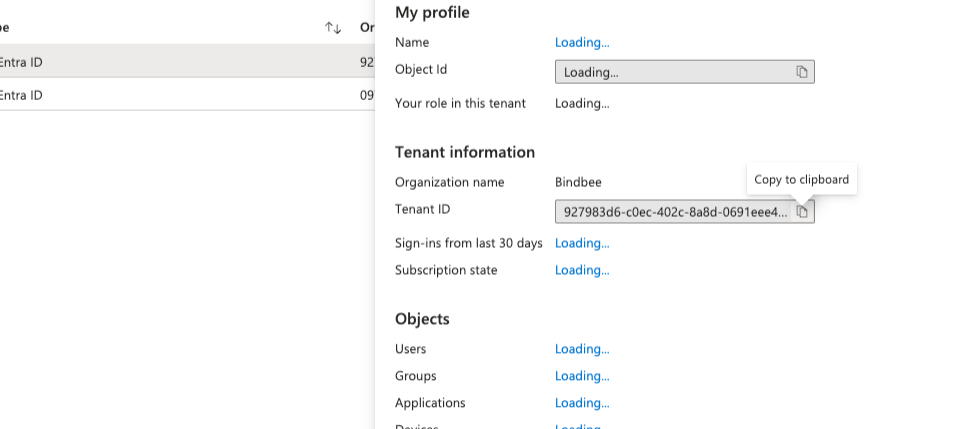
Step 4: Copy and Paste the tenant ID an click on Next.
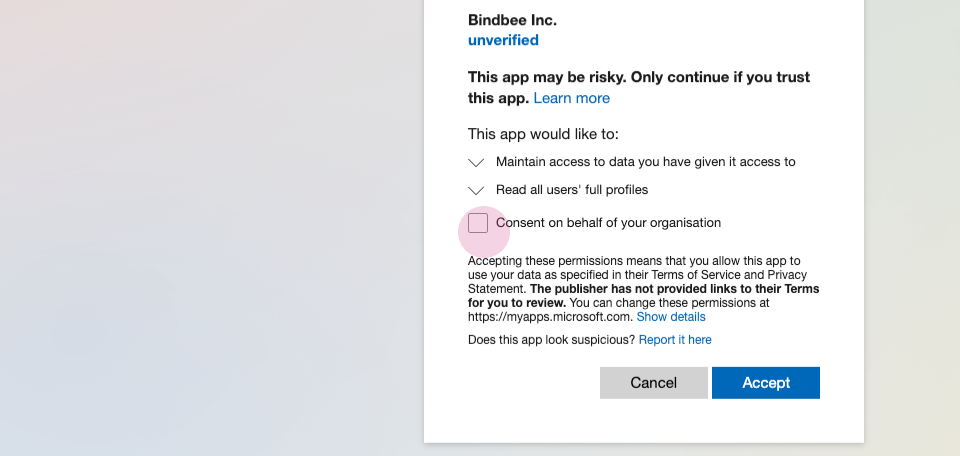
Step 5: A window will pop up requesting further information. Click Consent on behalf of your Organization and accept it.
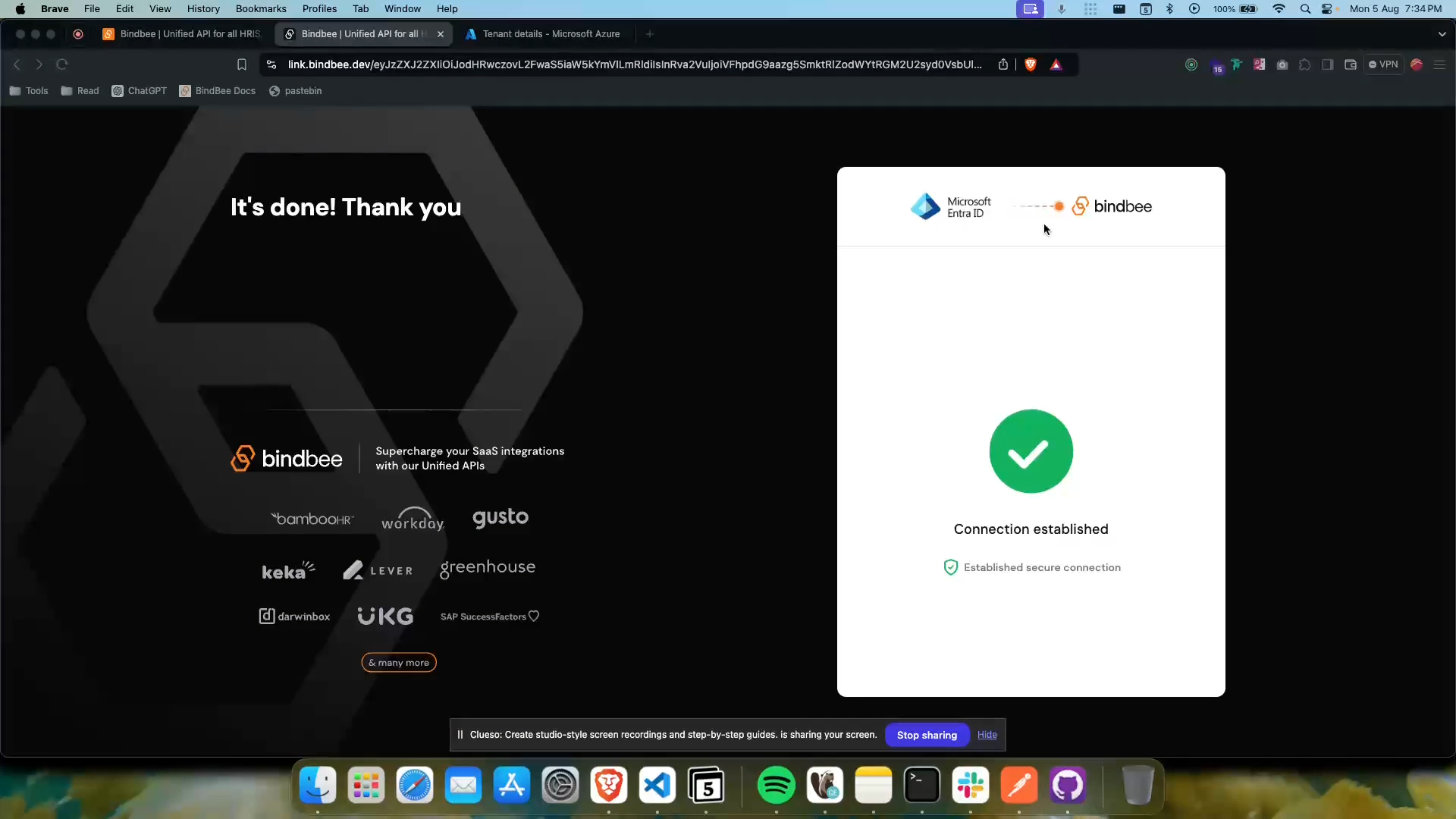
The Connection is Established.
Was this helpful?
Was this helpful?