

Deputy – How do I connect my account?
Updated 2 weeks ago
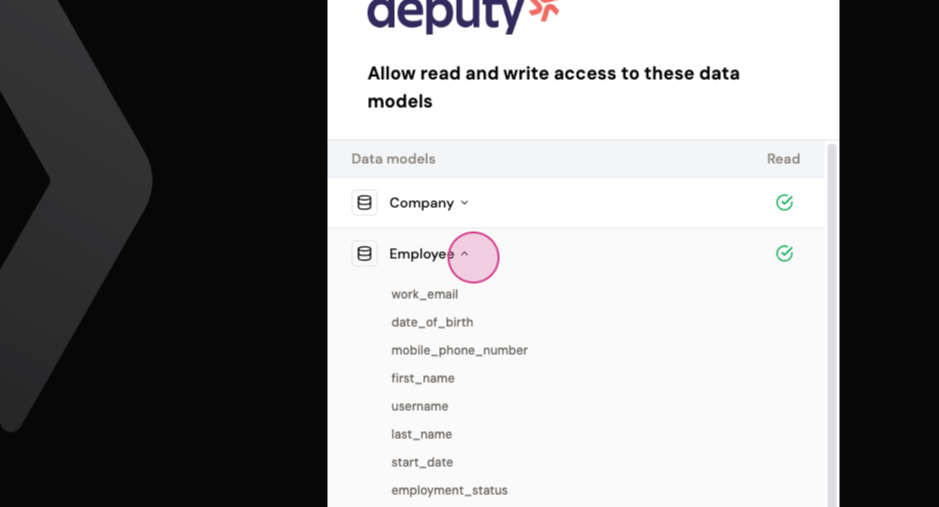
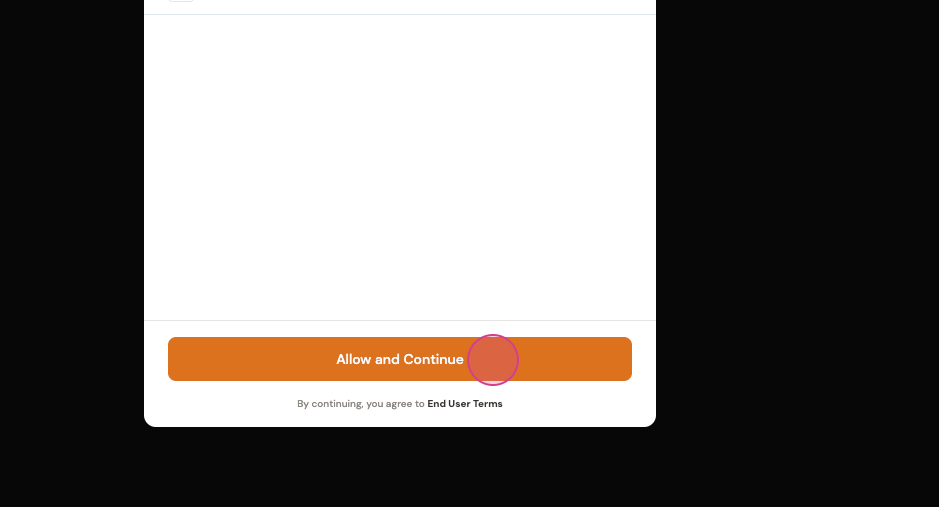
Step 1: Click on Allow and Continue.
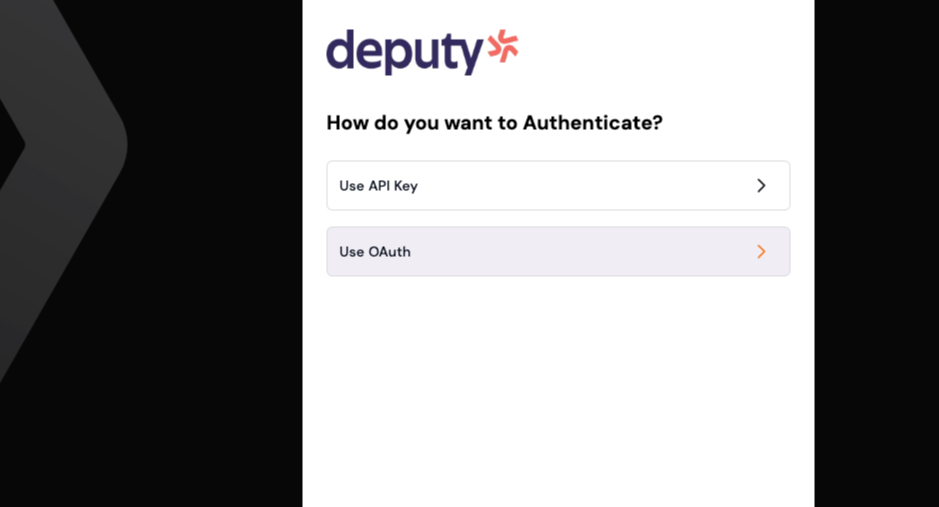
Step 2: You'll have two methods for authentication - API key or OAuth. For this demo, we're using OAuth. Click on Use OAuth.
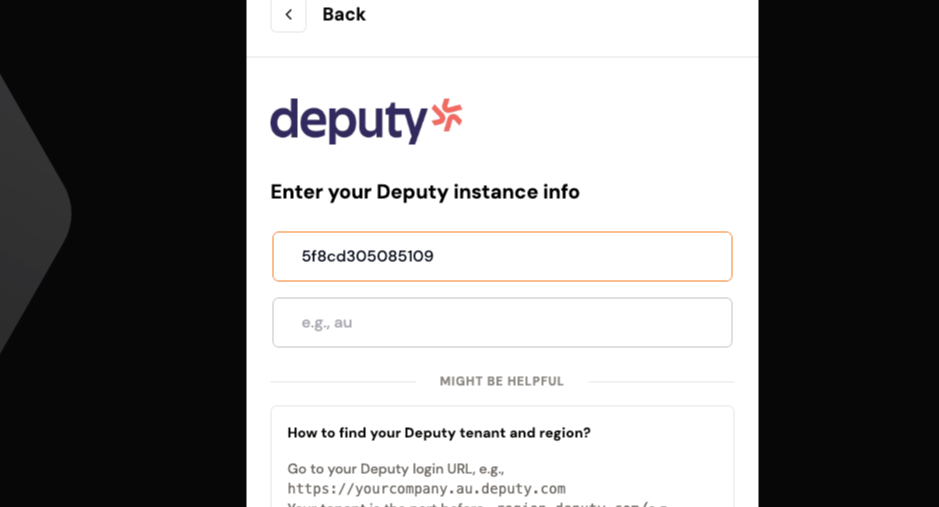
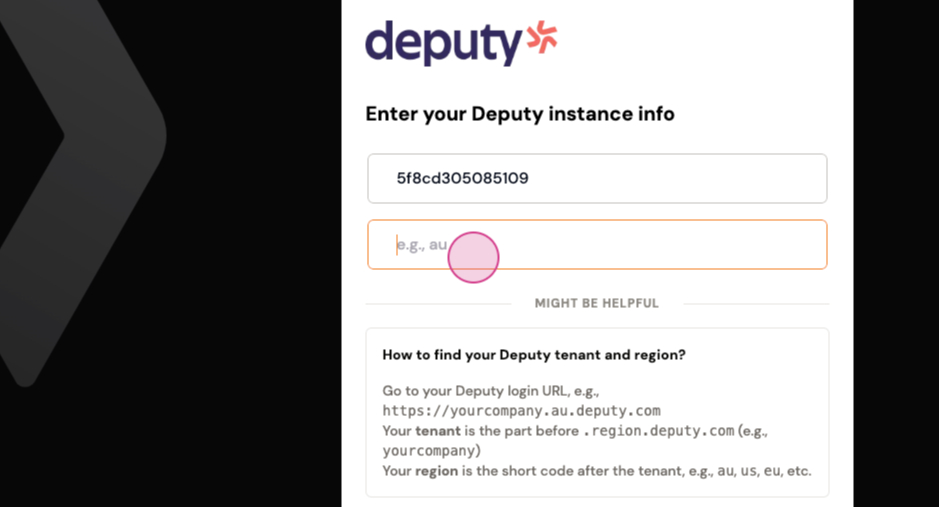
Step 3: Fill in the tenant and the region of your Deputy instance in the text boxes.
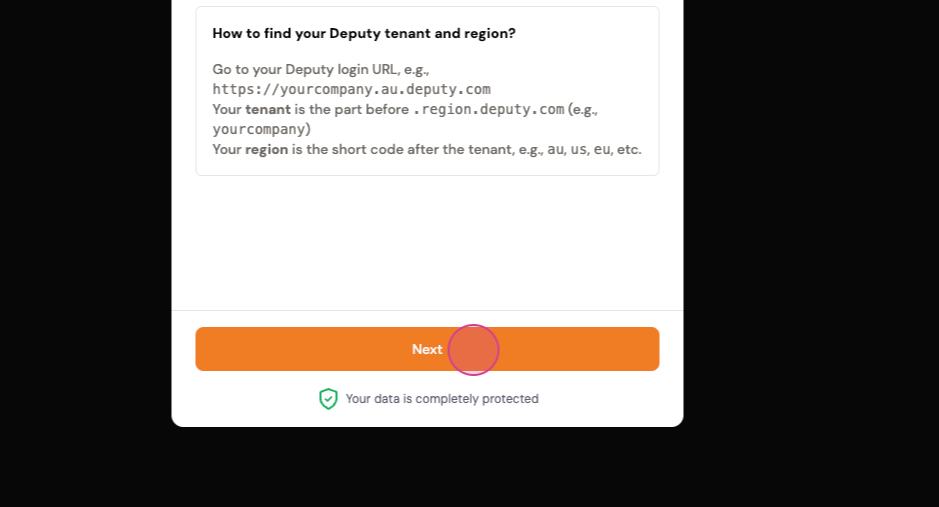
Step 4: Click on the Next button.
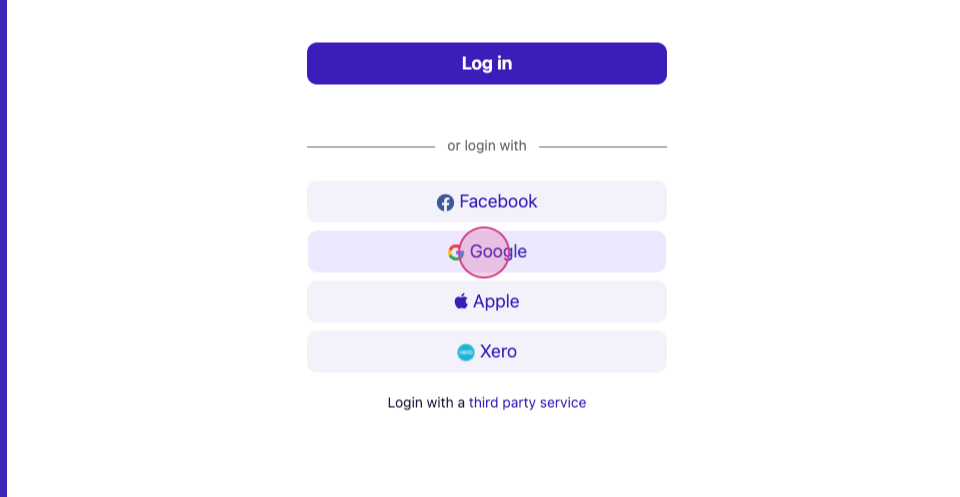
Step 5: Now sign up on Deputy.
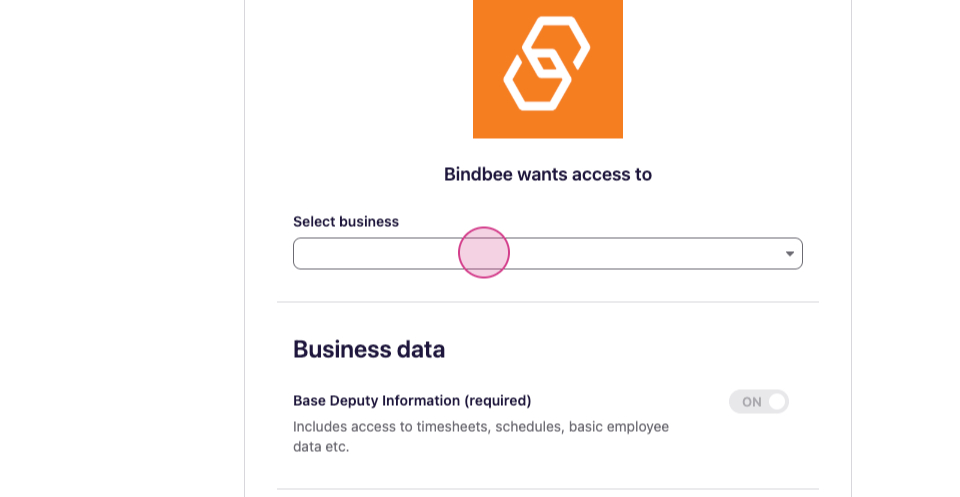
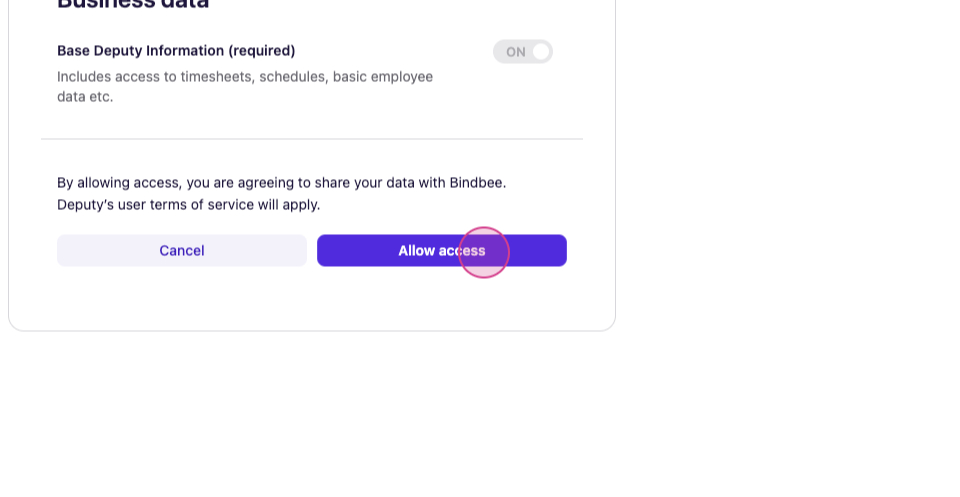
Step 6: Select the business you want to sync with Bindbee and click on Allow Access.
That's it! You've successfully connected your Deputy connector to Bindbee.
Was this helpful?
Was this helpful?