

Deel – How do I connect my account?
Updated 2 weeks ago
This tutorial walks you through the process of setting up a connection with Deel.
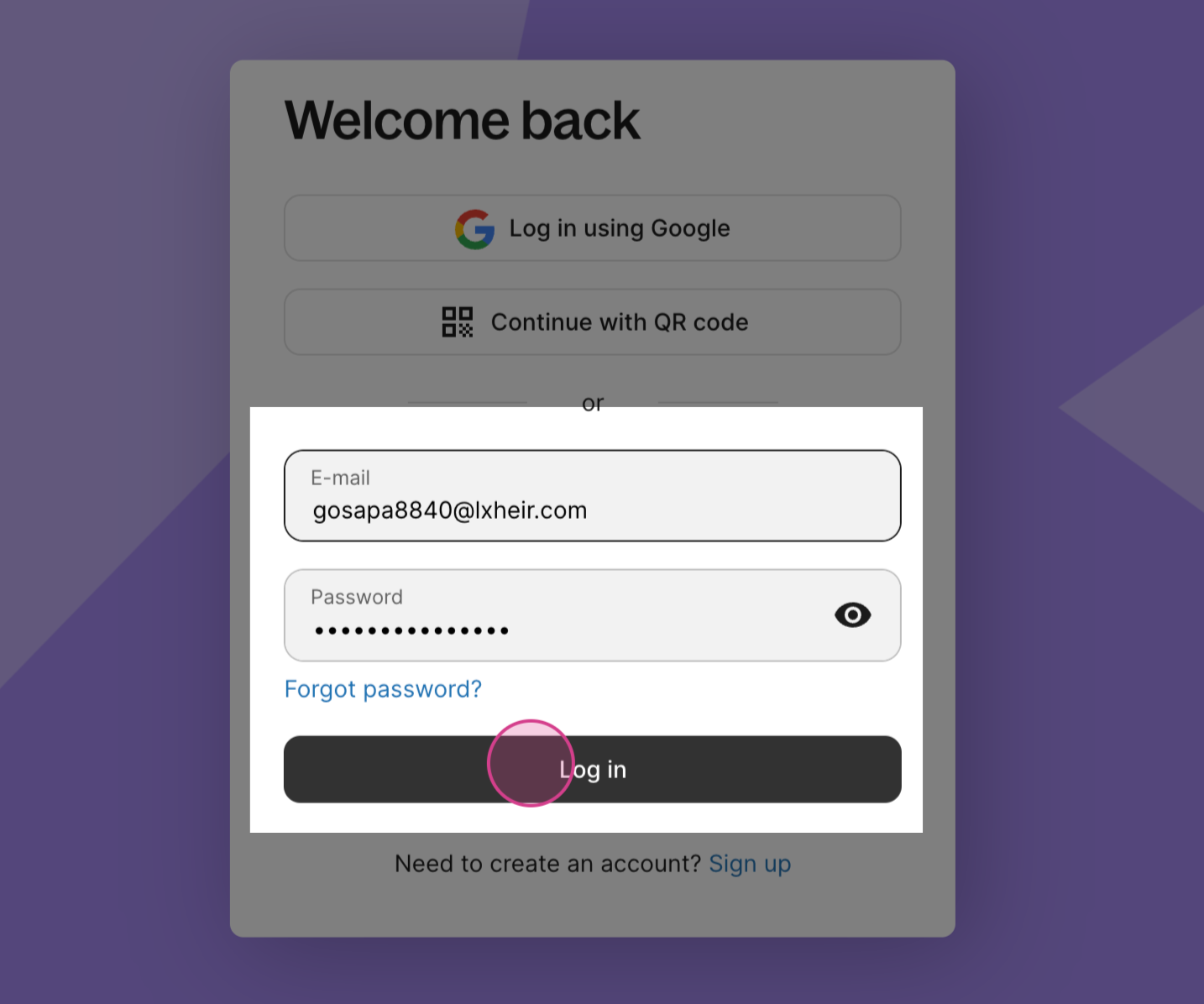
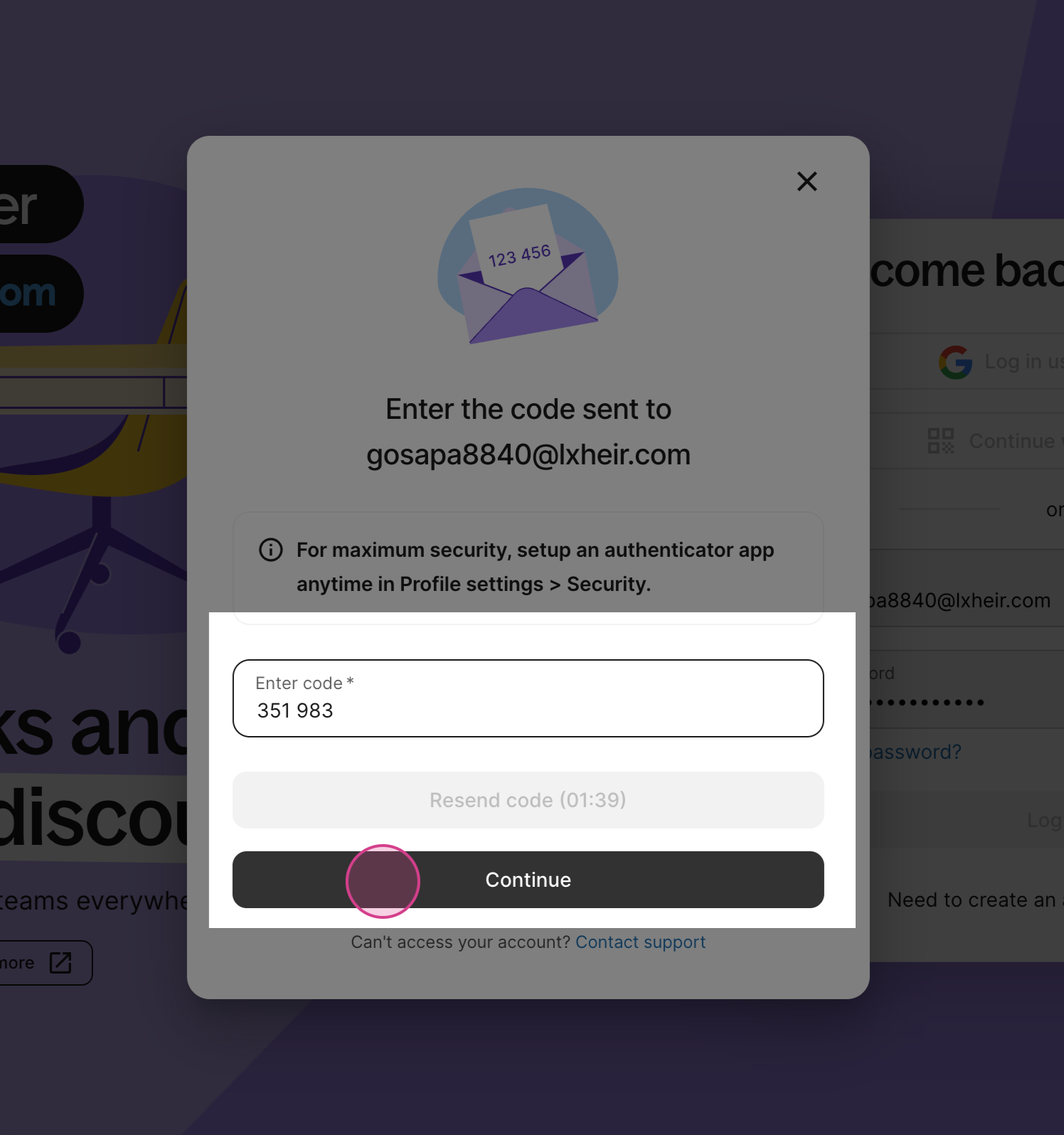
Step 1: Log in to your Deel account using your credentials.
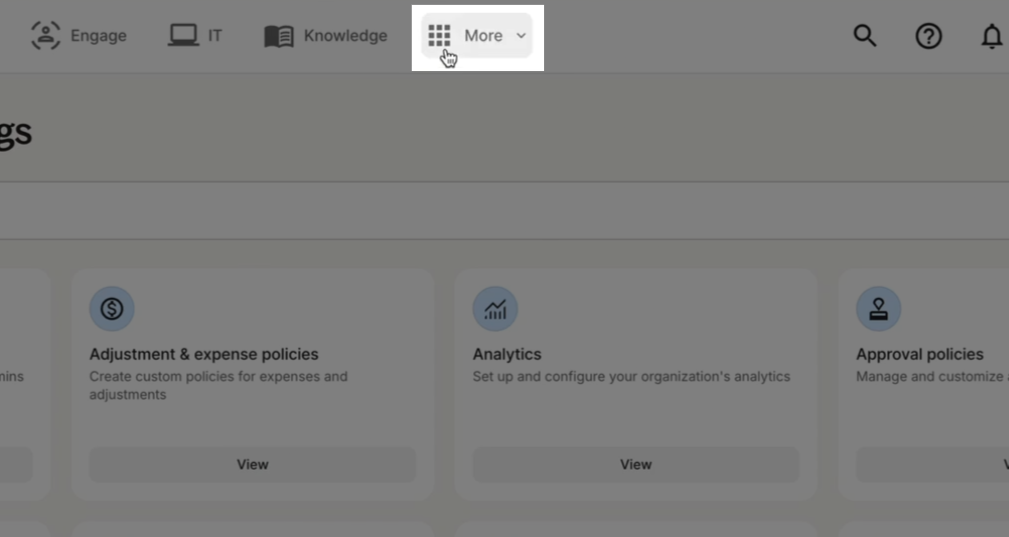
Step 2: Open the More menu from your Deel dashboard.
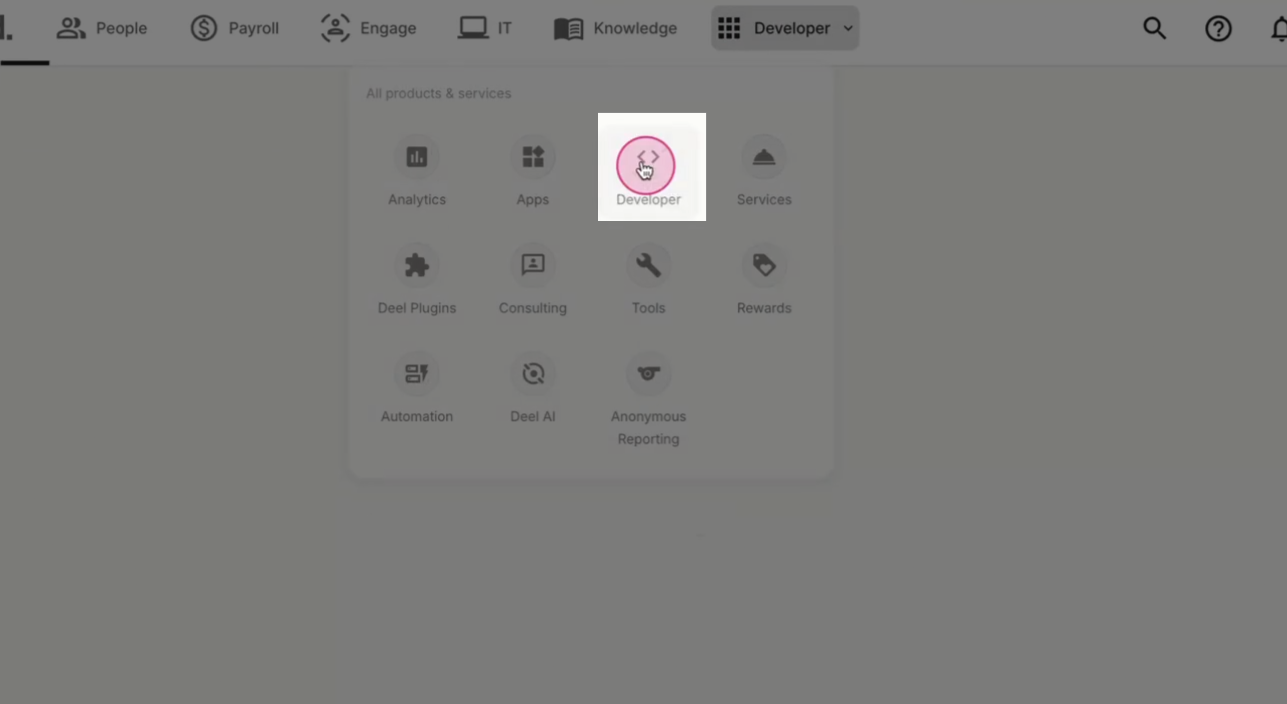
Step 3: Go to the Developer section.
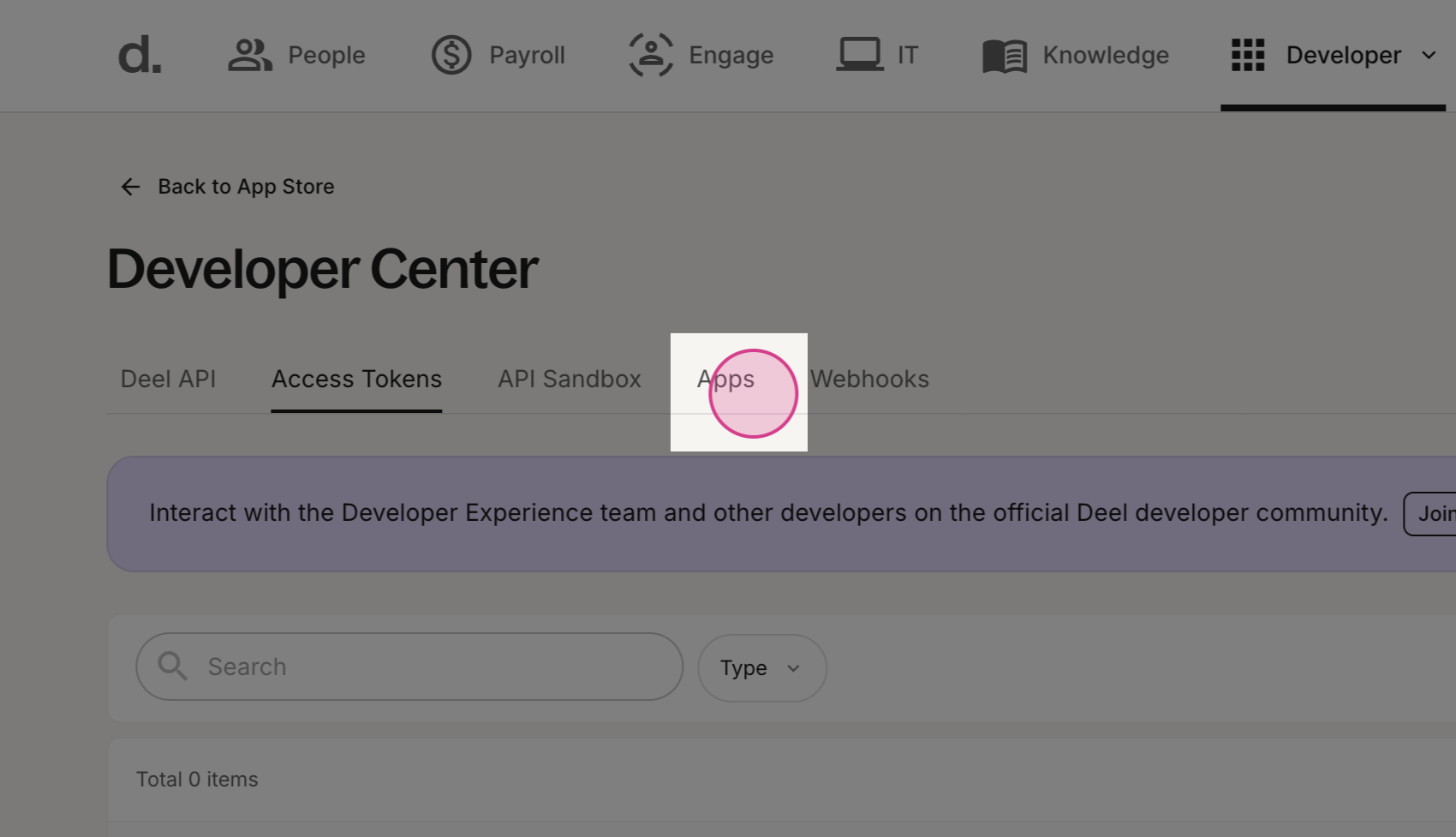
Step 4: Navigate to the Apps tab.
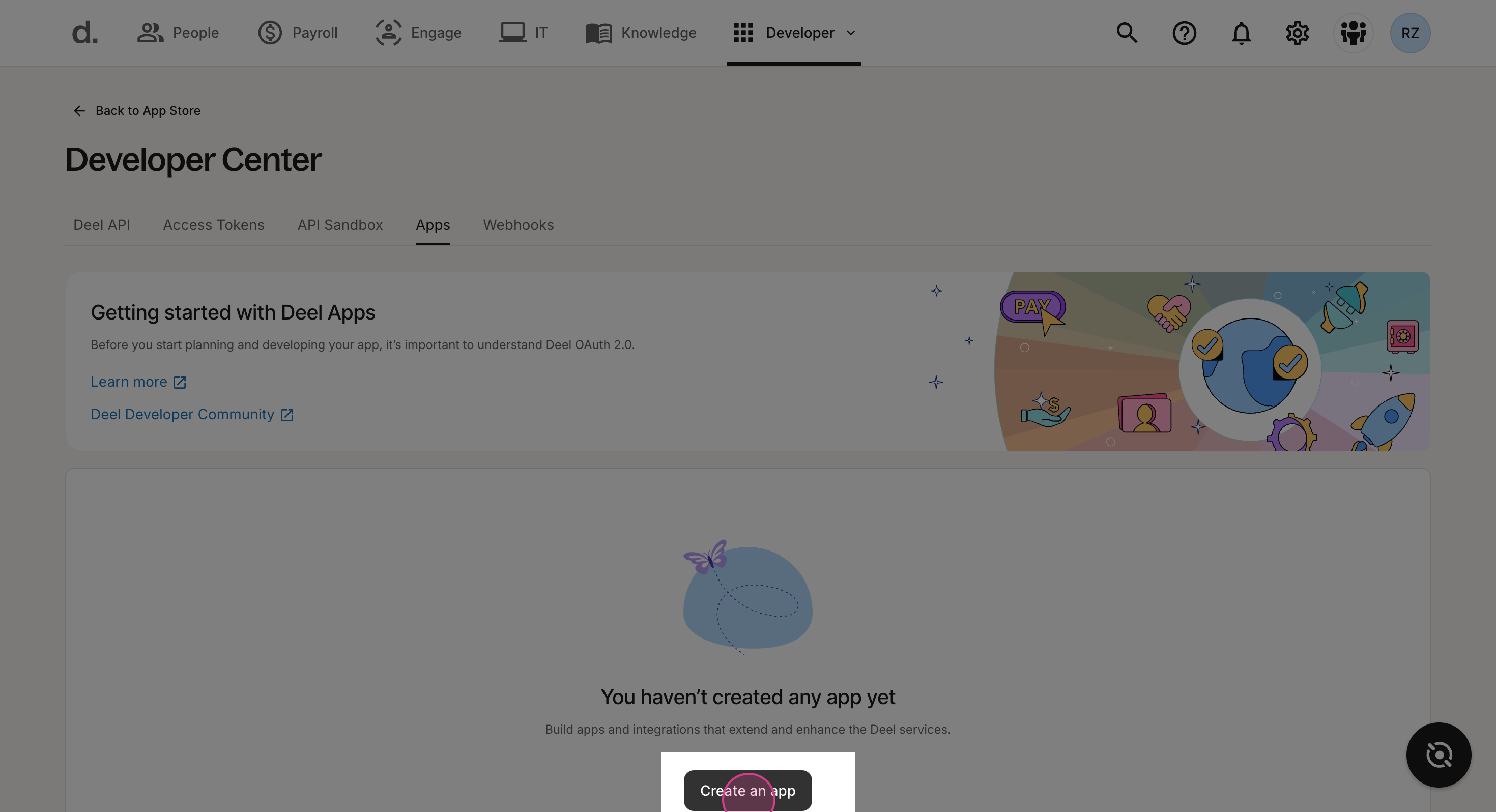
Step 5: Select Create an app.
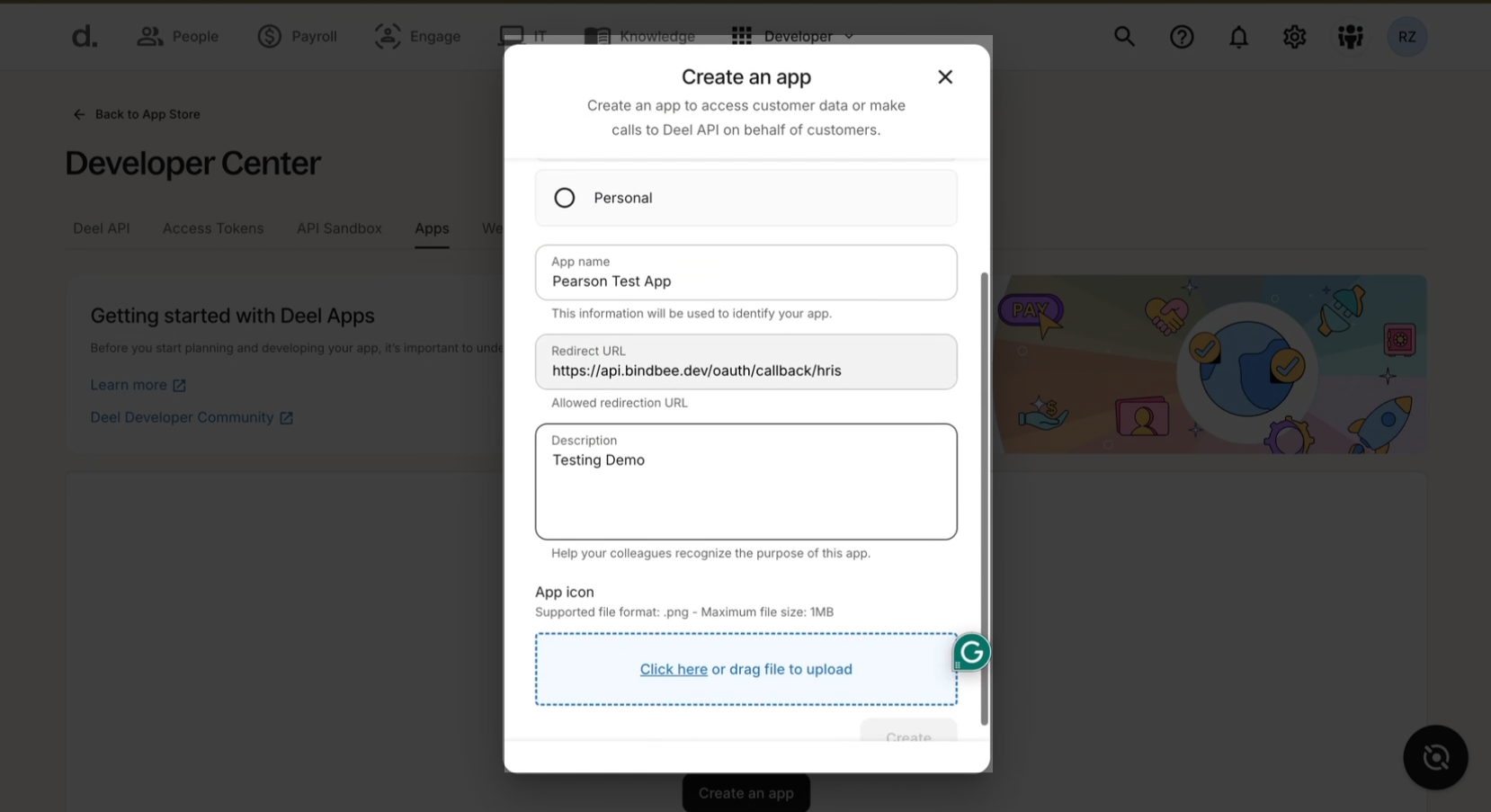
Step 6: Add App Name, Redirect URL, Description and App Logo
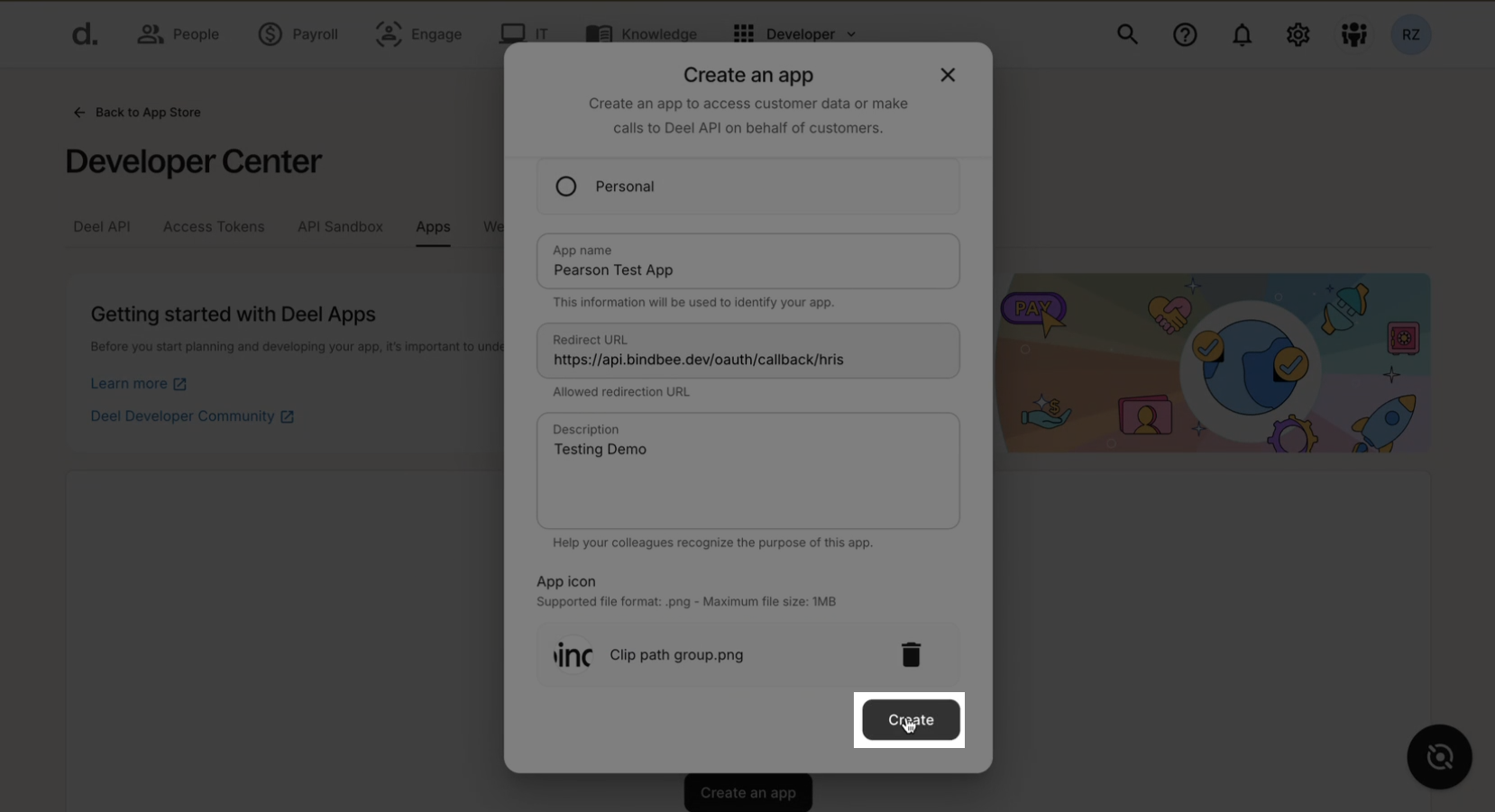
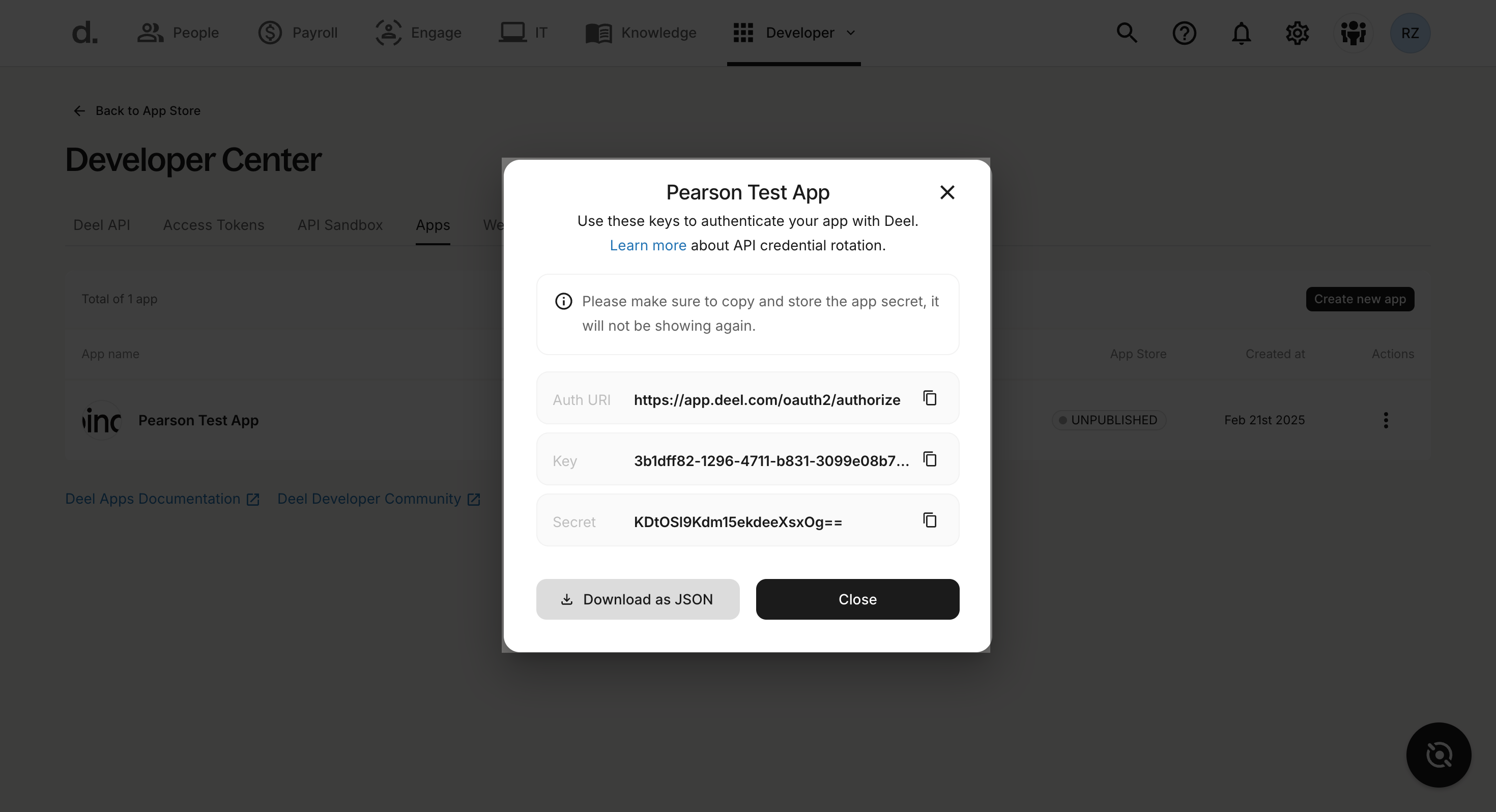
Step 7: Click Create to generate your app credentials.
Step 8: Note your authentication URL, API key, and secret.
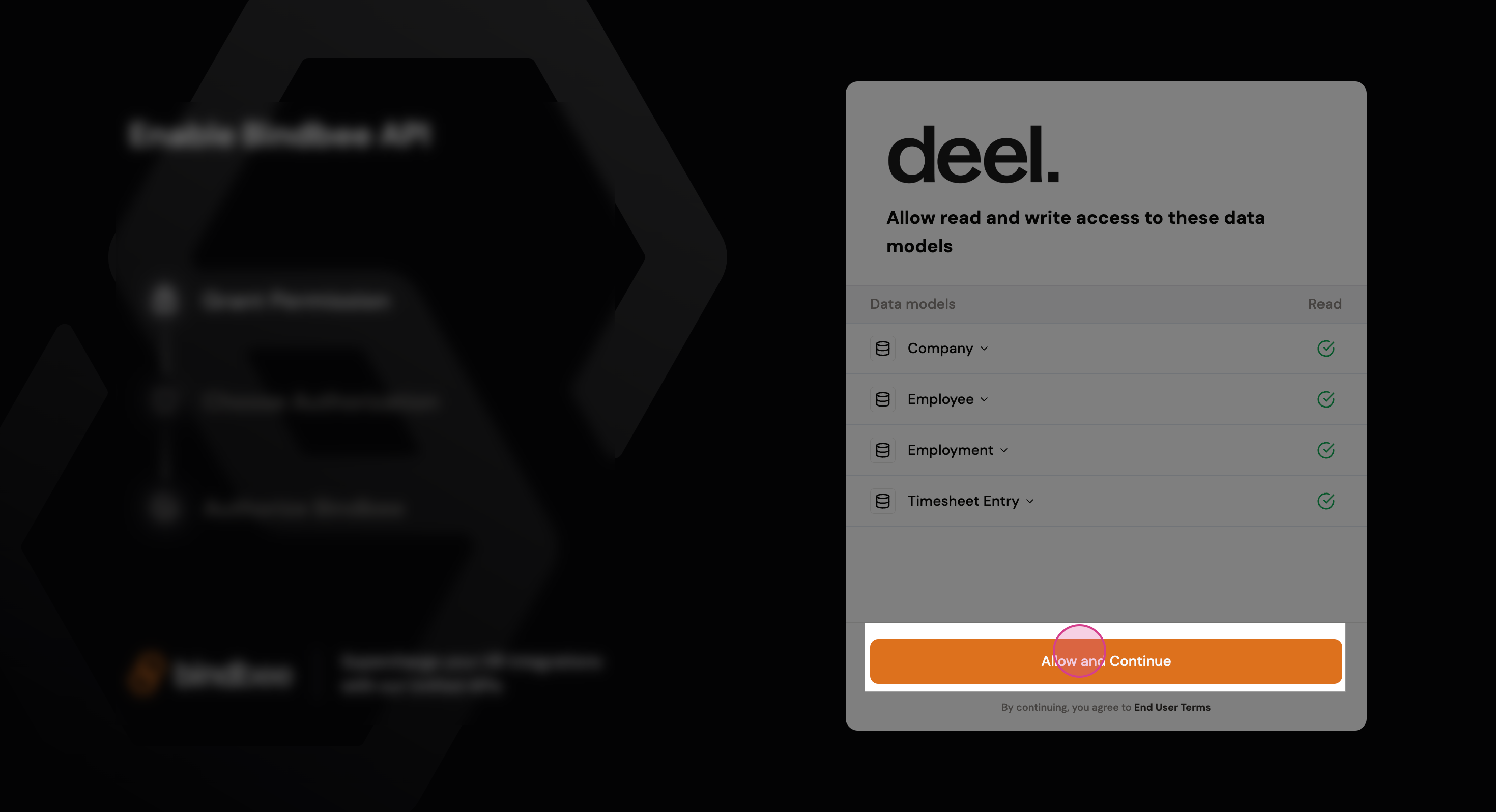
Step 9: Now go to the Magic Link and click "Allow and Continue".
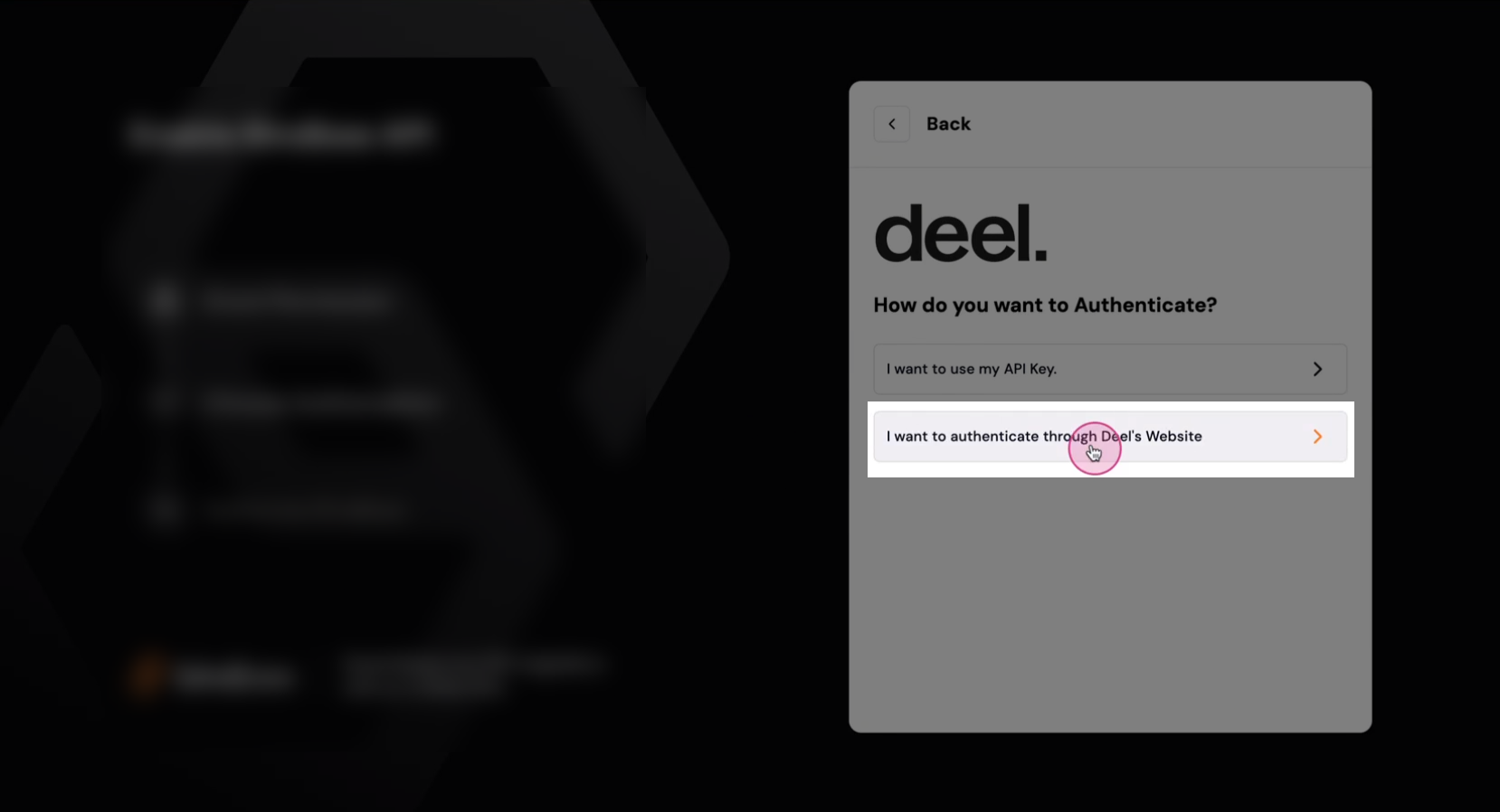
Step 10: Select "I want to authenticate through Deel’s website".
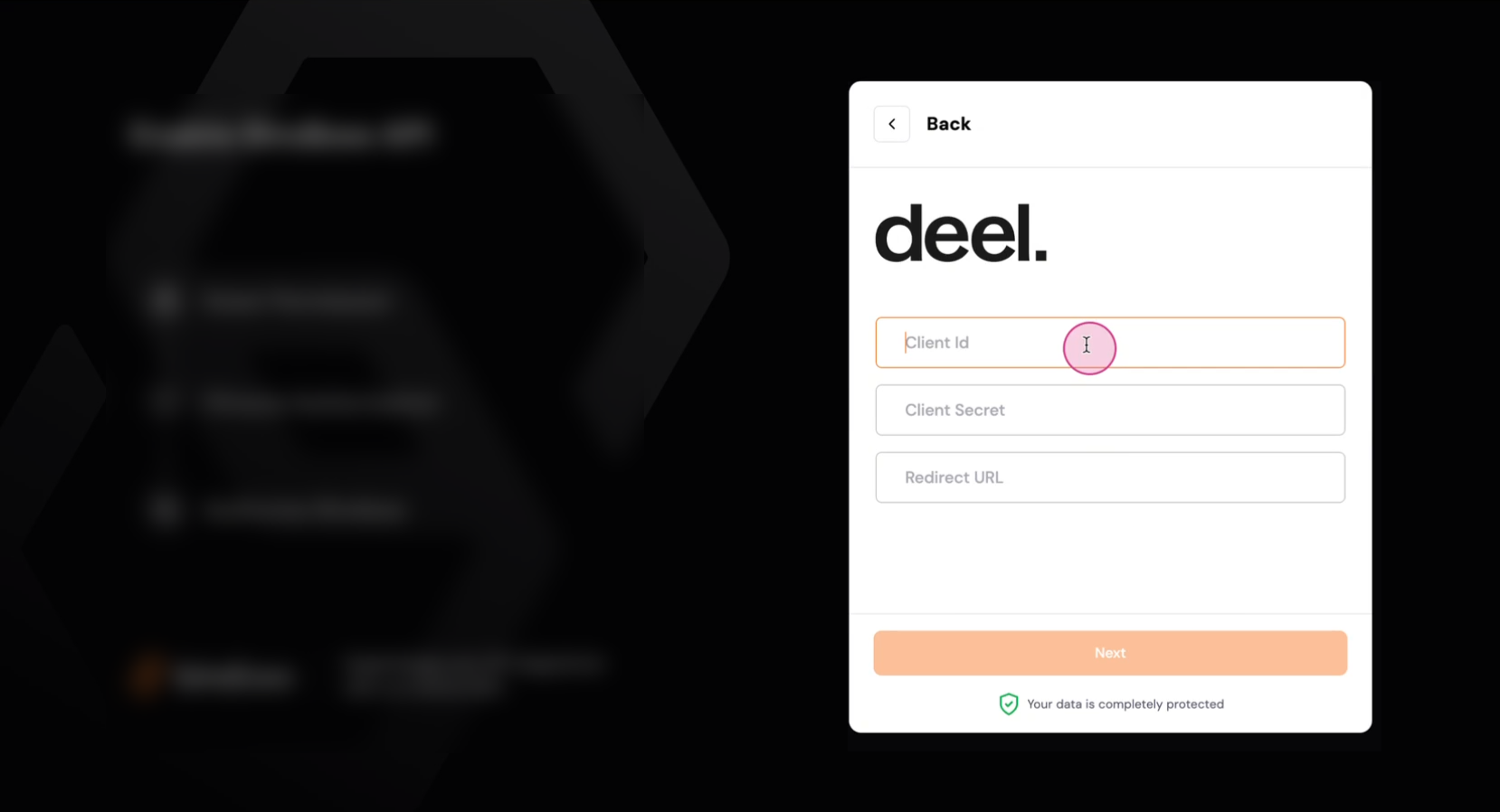
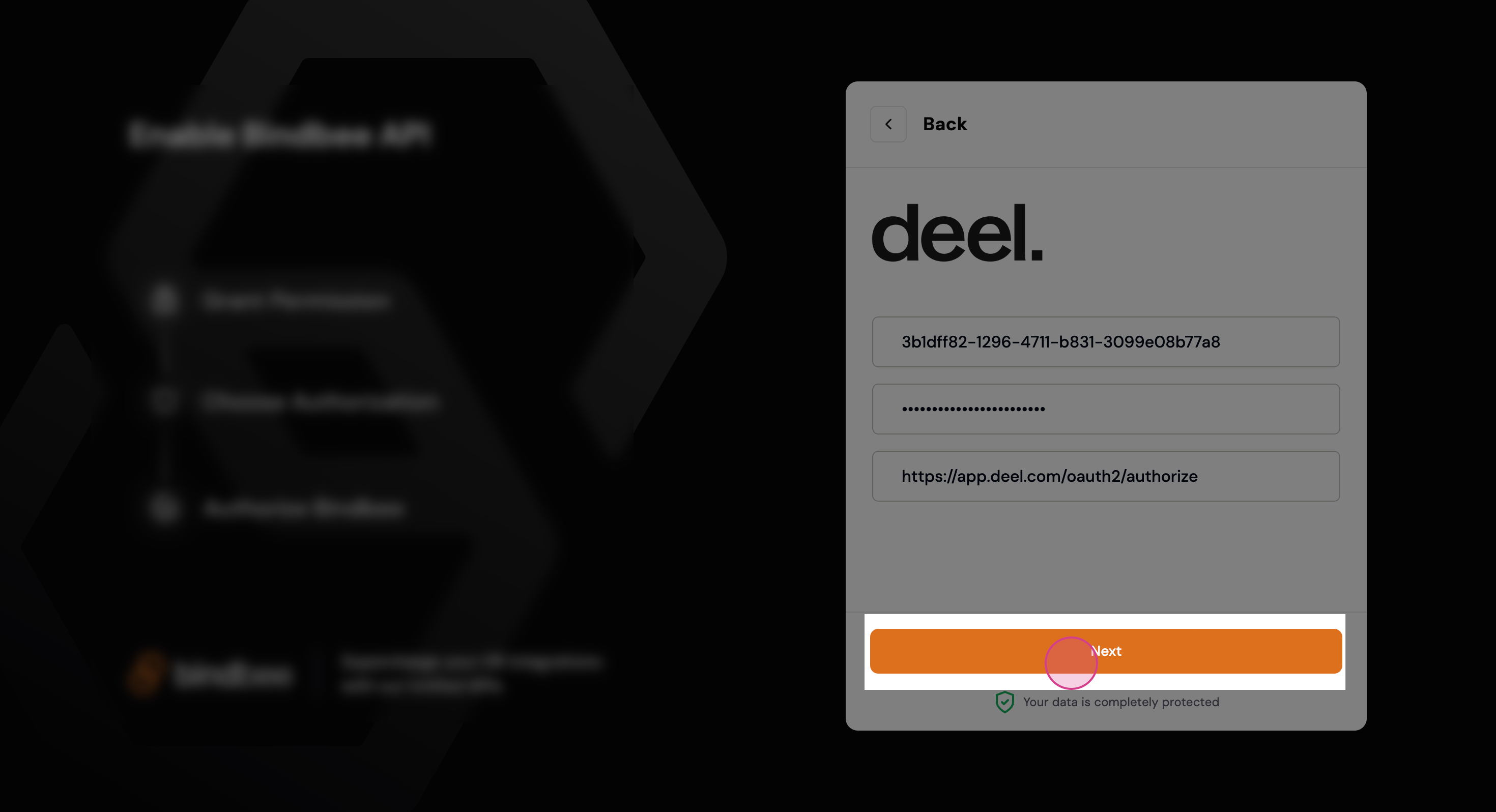
Step 11: Provide the credentials you generated in Deel.
Auth URL → Redirect URL
Key → Client Id
Secret → Client Secret
Step 12: Click Next to continue.
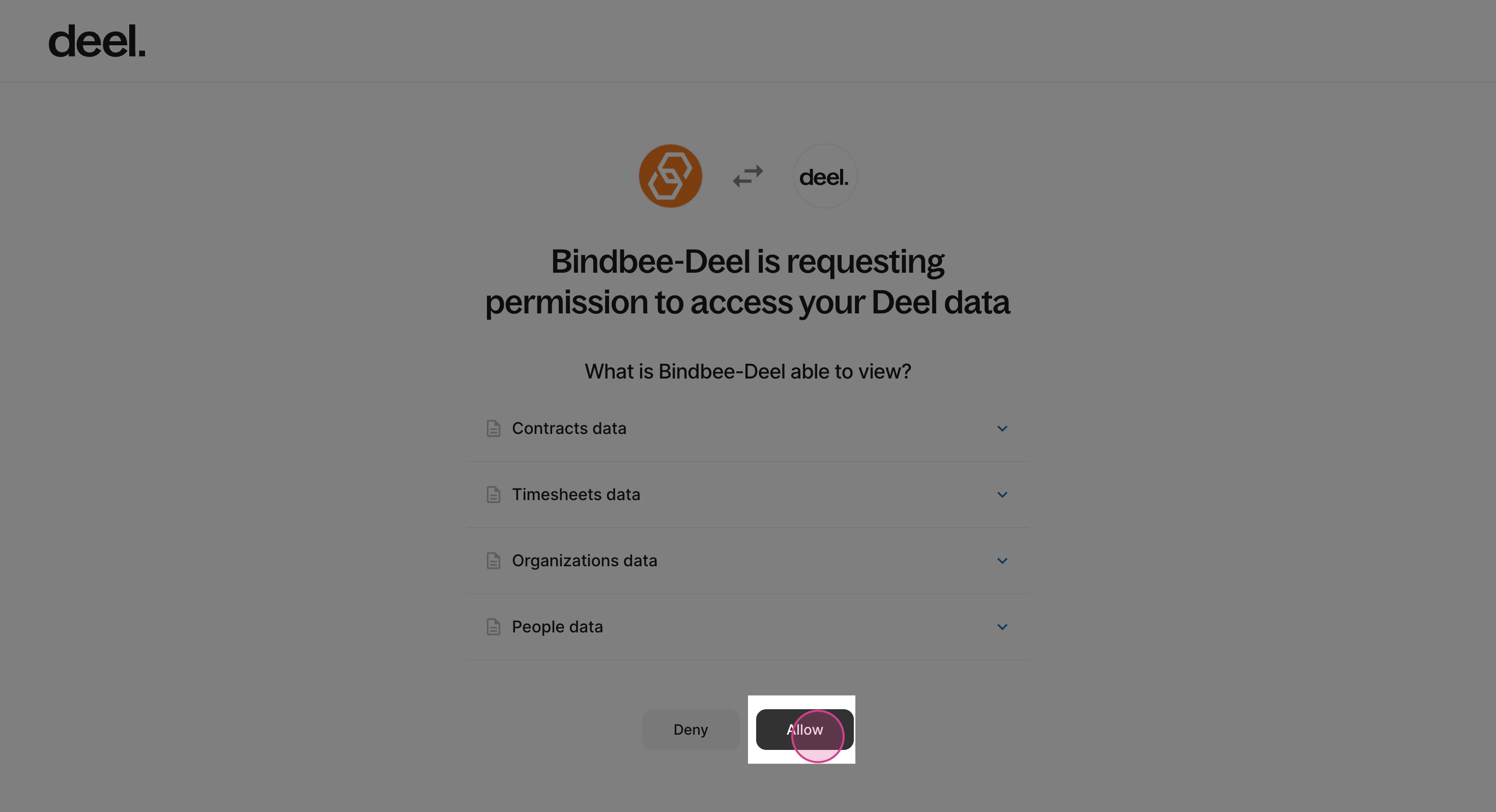
Step 13: When redirected to the Deel authorization page, click Allow to grant the necessary permissions.
Congratulations! The connection is now established and ready to use.