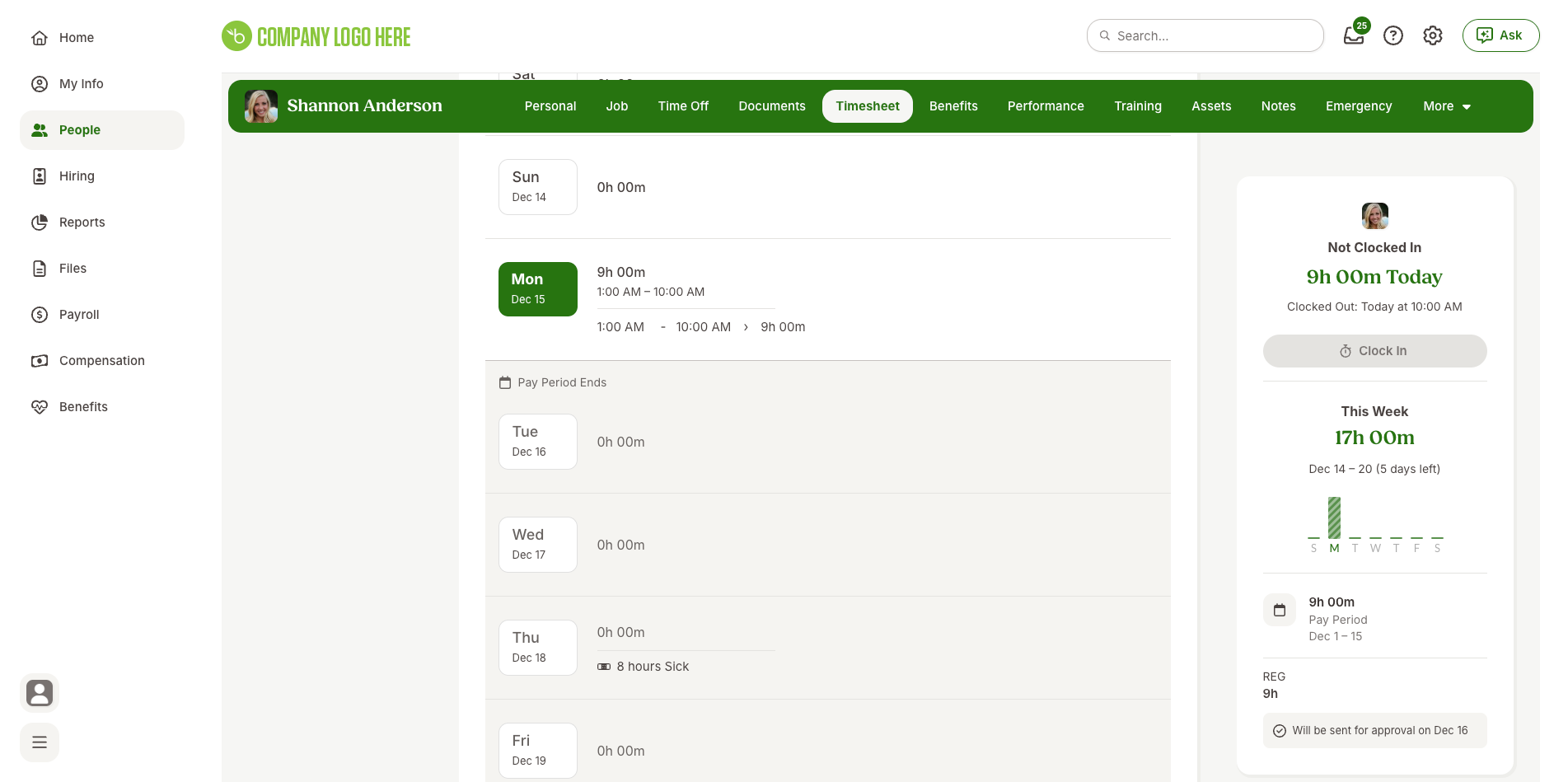
BambooHR – How do I write a timesheet entry?
Updated 2 weeks ago
This tutorial outlines the process of writing timesheet entry to Bamboo HR after creating a Bamboo HR connector.
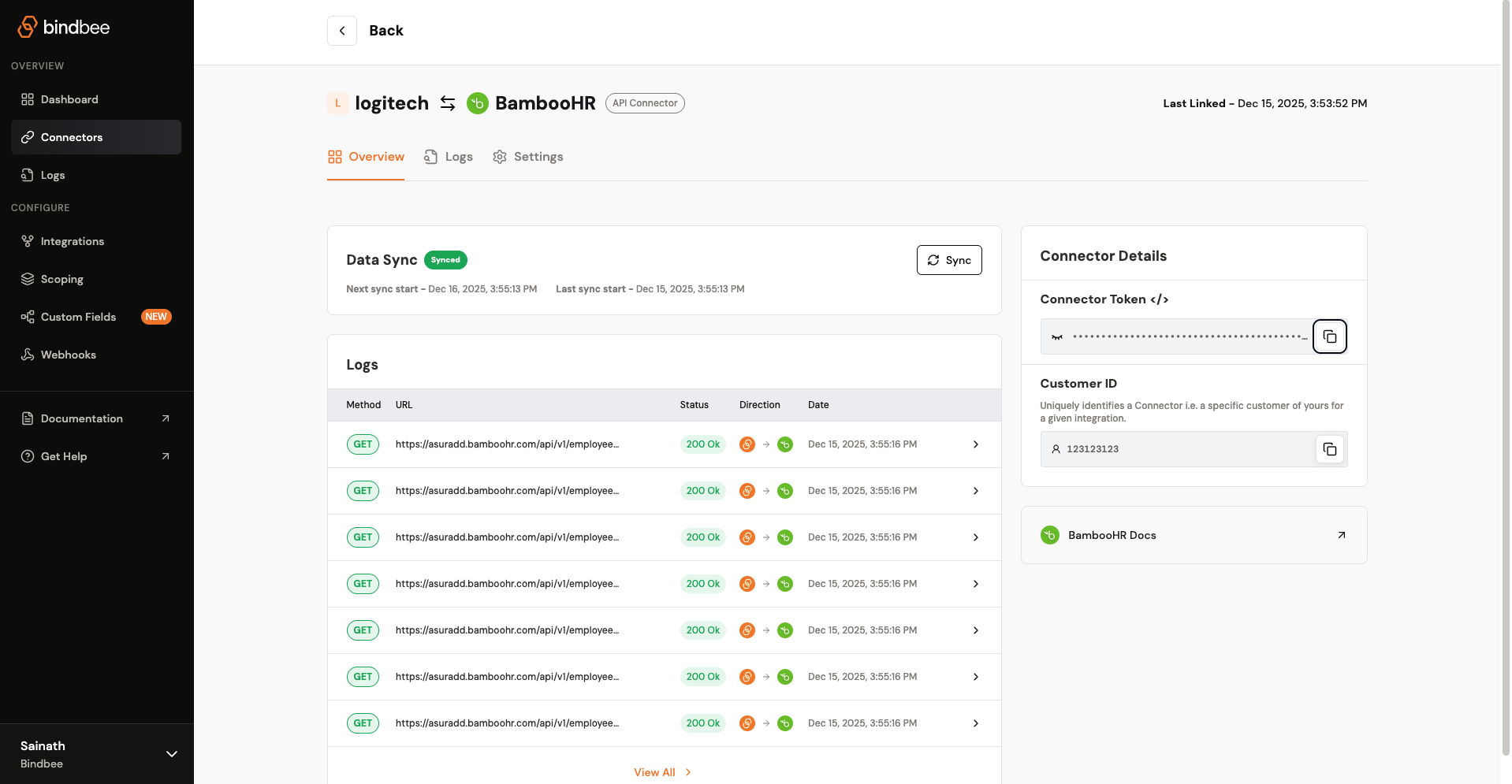
Step 1: Make sure you have an active Bamboo HR connector set up in Bindbee and copy the connector token.
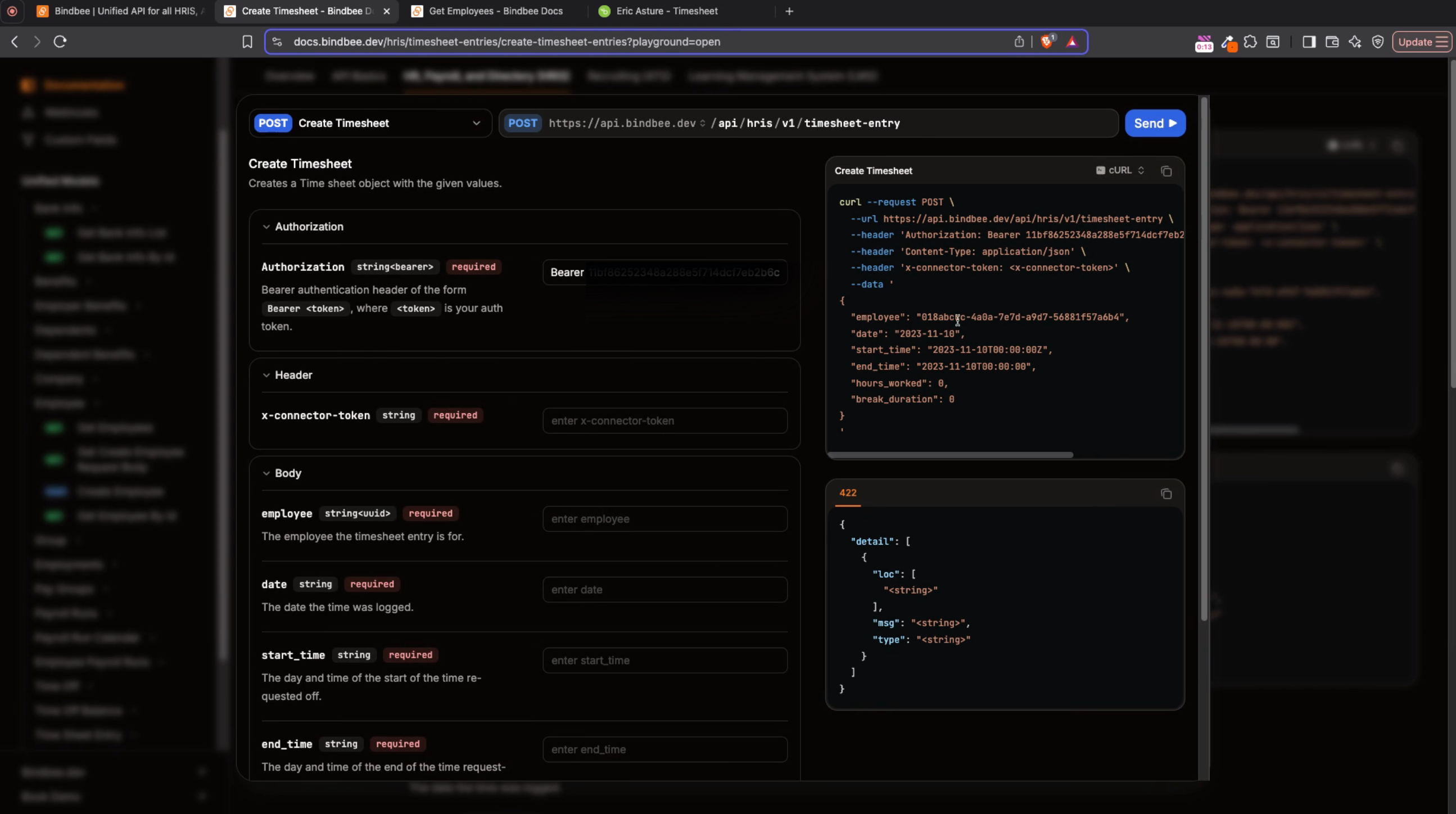
Step 2: Open Bindbee’s API documentation page for the Create Timesheet Entry endpoint. Click Try it.
Step 3: Paste your connector token into the x-connector-token field.
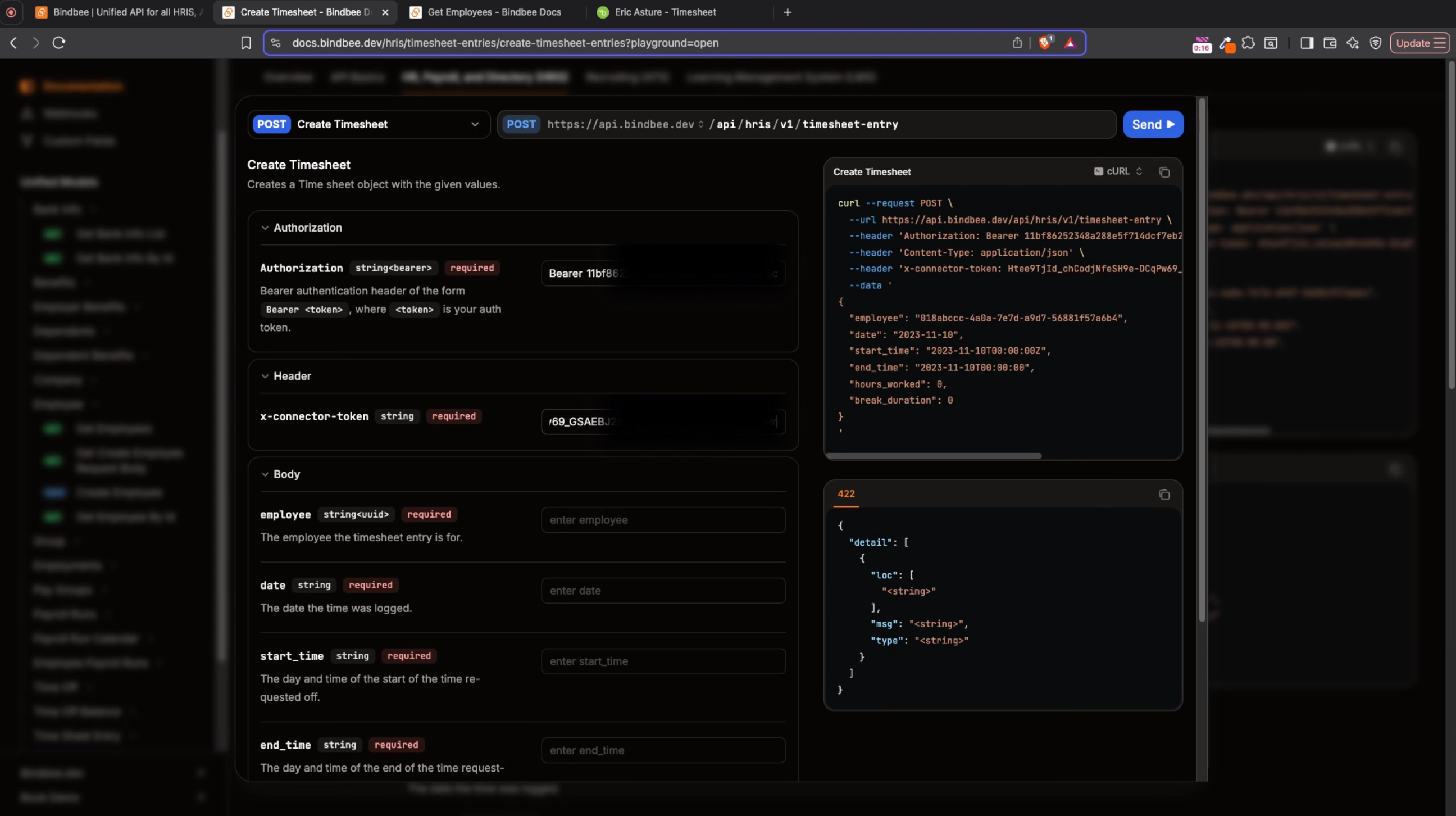
Step 4: You’ll need the employee’s ID for the entry. Head over to the Get Employees endpoint and paste the same connector token. Click Send to view a full list of employee IDs.
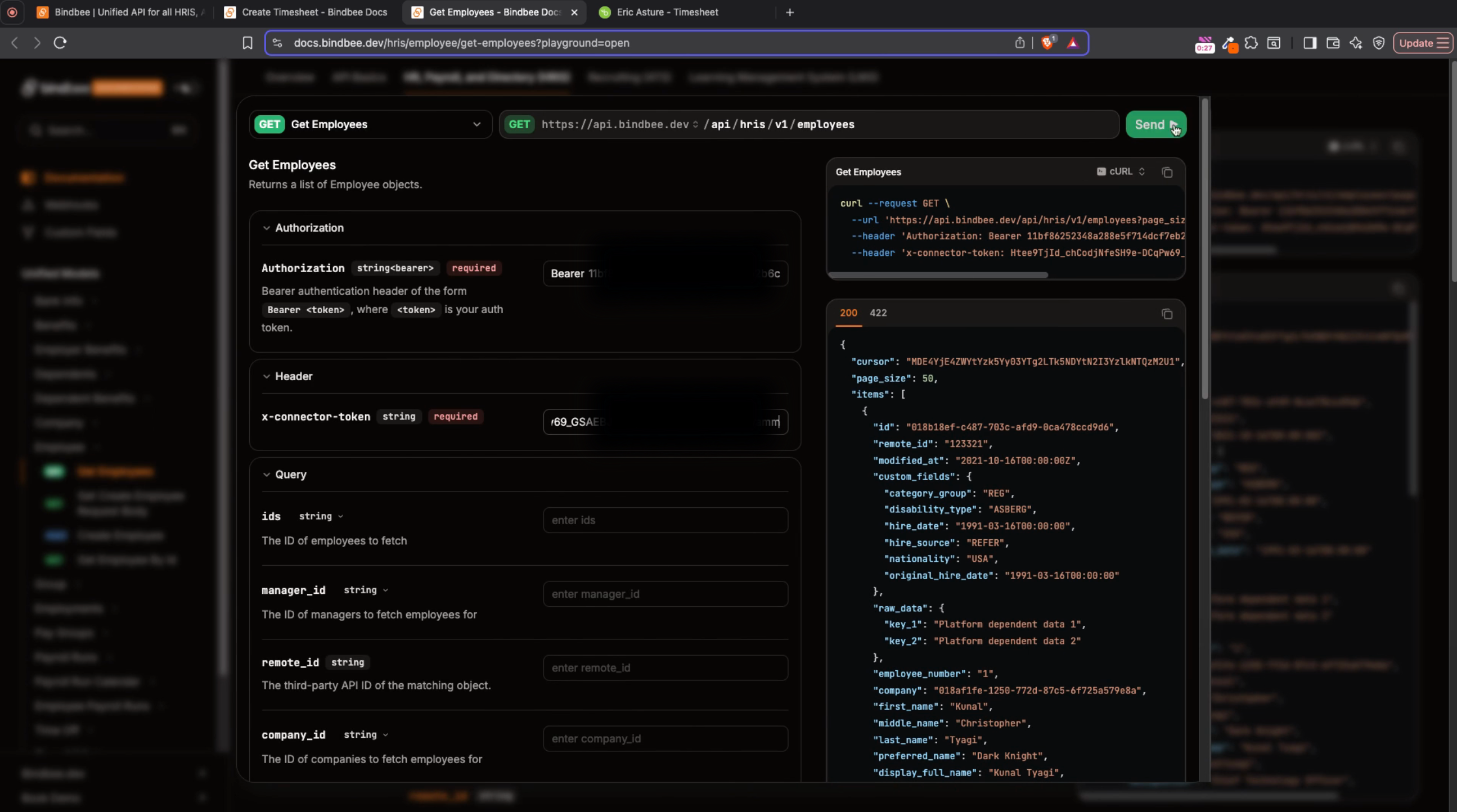
Step 5: Choose an employee ID from the list. Fill in the necessary details, including the date, start time, and end time for the timesheet entry. Click Send to submit.
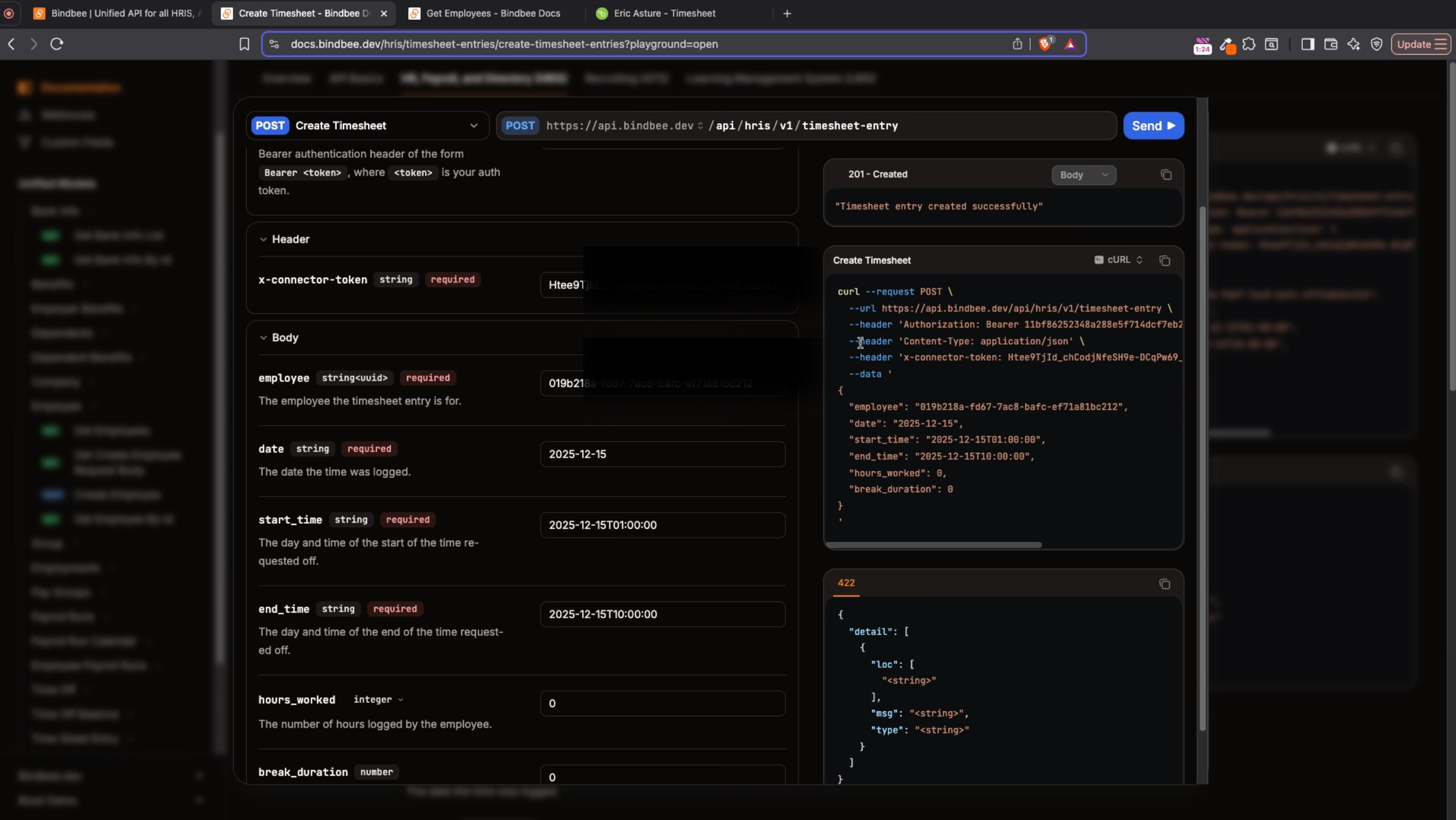
You’ll see confirmation that the timesheet was created successfully. Review the BambooHR portal to confirm your new timesheet entry appears.