

7shifts – How do I connect my account?
Updated 4 days ago
This guide explains how to create a connection with 7Shifts.
Prerequisites: Ensure you're an admin or have admin access to a 7Shifts account.
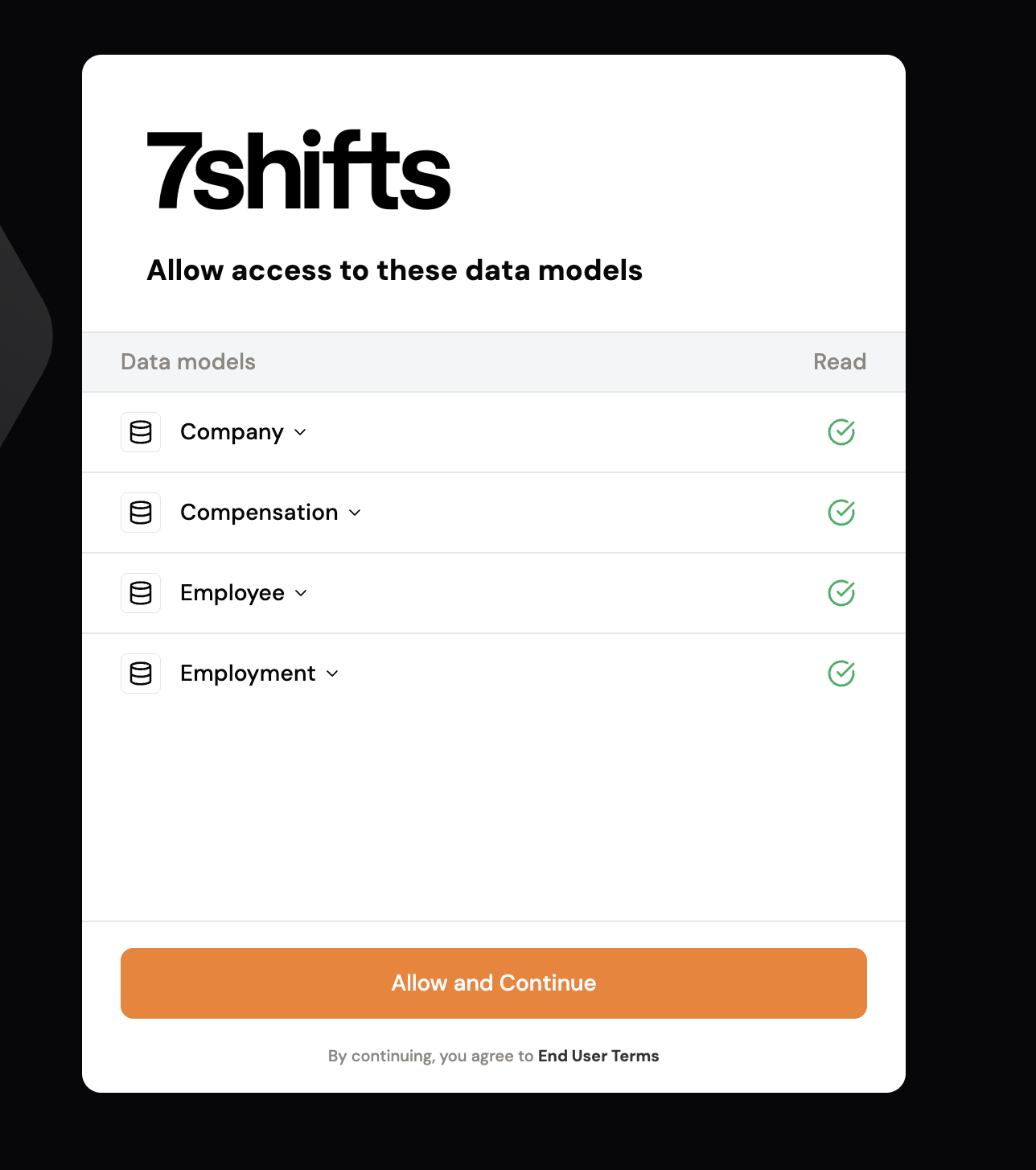
Step 1: Open the magic link provided. A pop-up will appear. Click Allow and Continue.
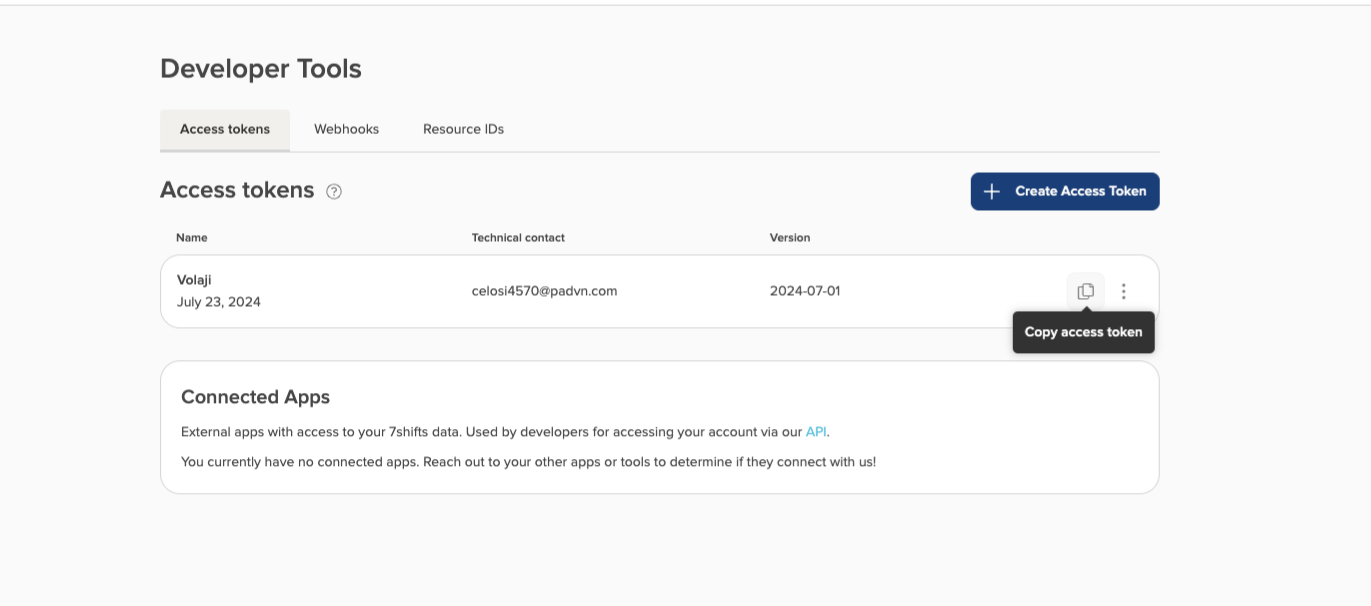
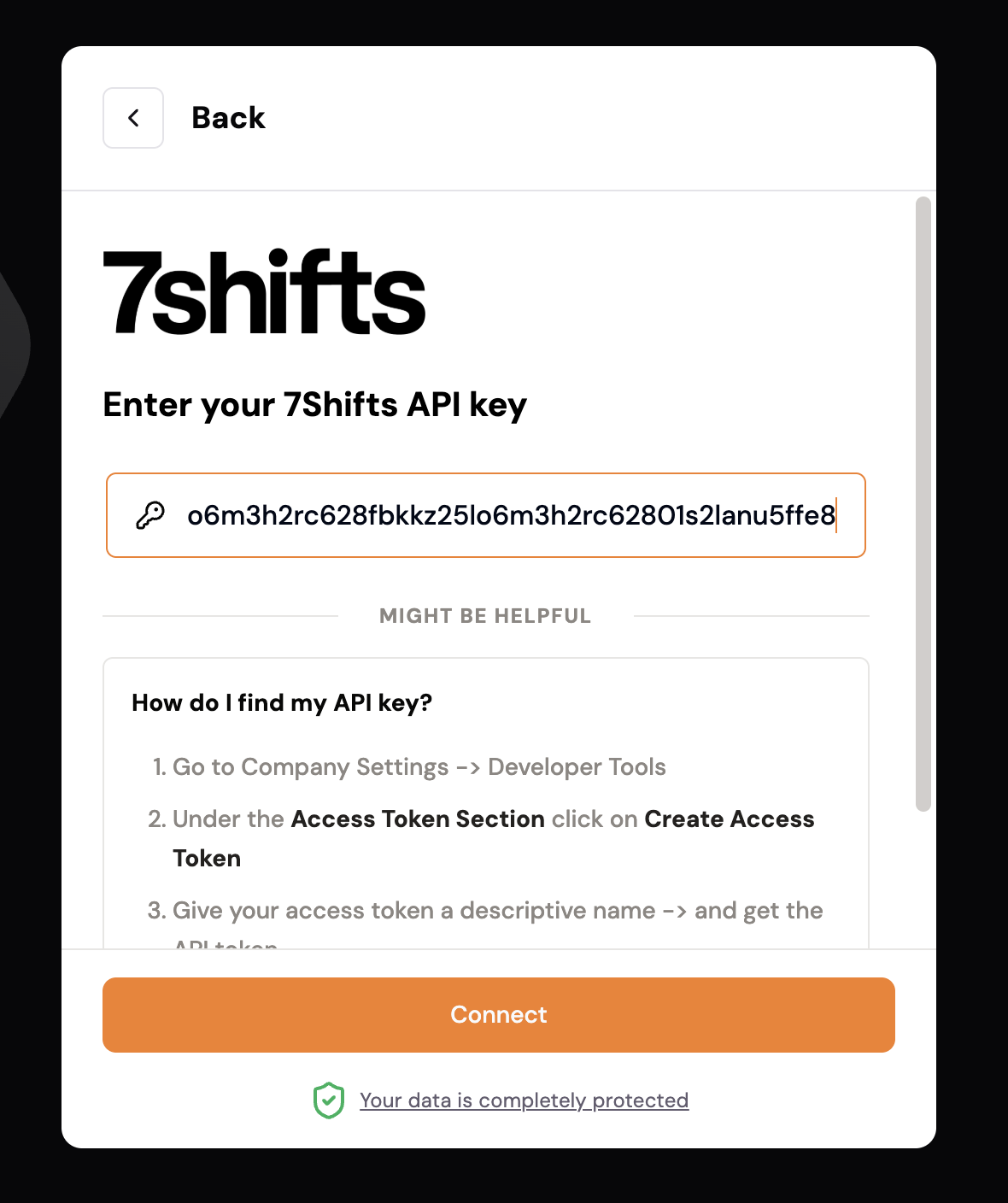
Step 2: Enter your Seven Shifts API key. To find it, sign in to your Seven Shifts dashboard and navigate to Settings > Developer Tools. If an access token already exists, you can click on Copy Access Token and paste it into the API key field.
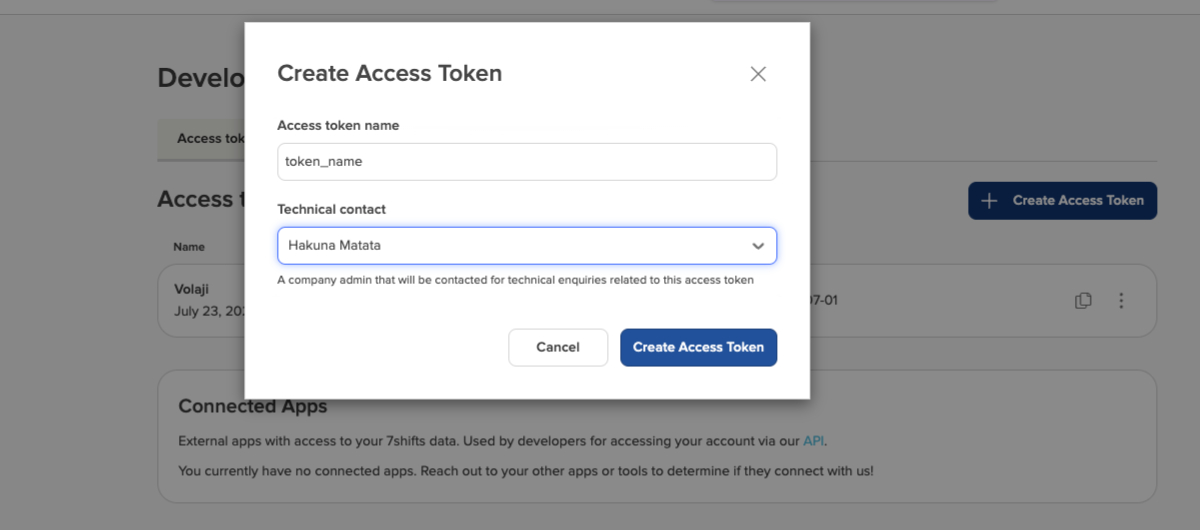
Step 3: If no token exists, create a new one. Click Create Access Token, provide a suitable token name, select a technical contact who will be the admin, and click Create Access Token.
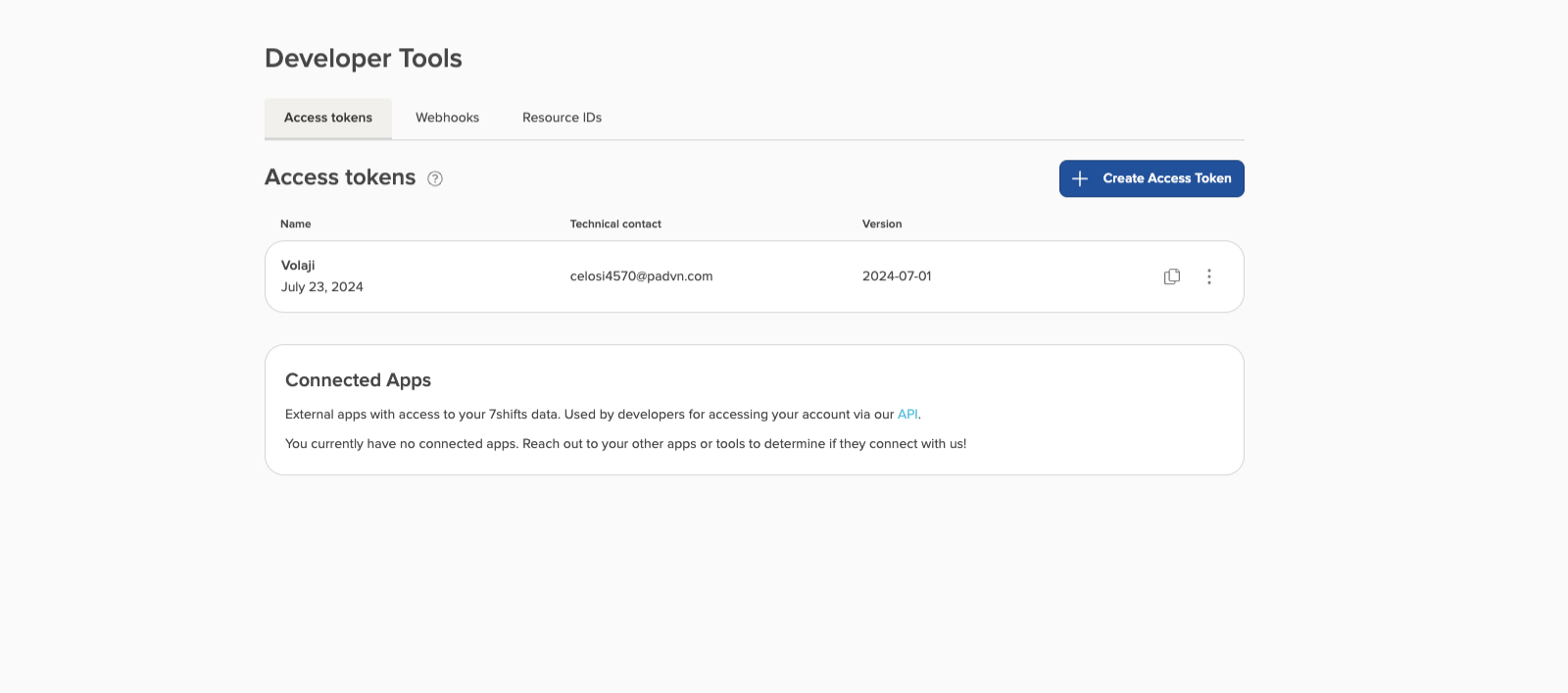
Step 4: Copy the newly created access token and paste it into the prompt. Click "Connect".
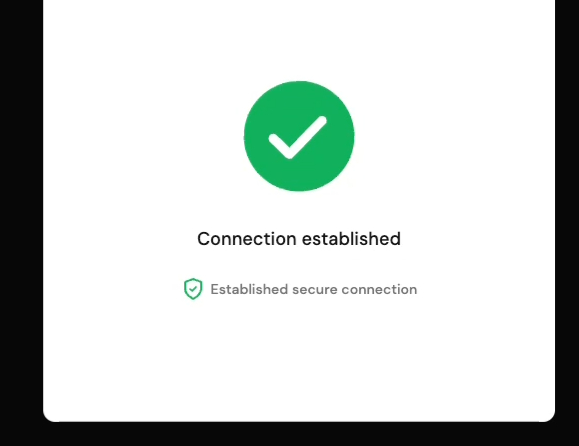
The connection with 7Shifts is now successfully established!